

Unified Modeling Language (UML) serves as the backbone for software architecture documentation. It provides a standardized way to visualize system design, ensuring that all stakeholders share a common understanding of the structure and behavior. However, the mere existence of a diagram does not guarantee clarity. Poorly constructed models can introduce confusion, increase development costs, and hinder future maintenance.
This guide outlines the essential principles for designing UML diagrams that remain clear, accurate, and sustainable over time. We will explore notation standards, layout strategies, naming conventions, and maintenance protocols without relying on specific tools or platforms.
Why Diagram Clarity Matters 🧩
Before diving into the mechanics of drawing, it is crucial to understand the value of precision. A UML diagram is a communication tool, not just a technical artifact. When diagrams are ambiguous, they fail their primary purpose.
Reduced Misunderstandings: Clear visuals prevent developers from making incorrect assumptions about data flow or object relationships.
Faster Onboarding: New team members can grasp system complexity faster when the documentation is consistent and logical.
Efficient Refactoring: Maintainable diagrams make it easier to identify the impact of code changes.
Cost Savings: Resolving issues found during design is significantly cheaper than fixing them after deployment.
Investing time in quality design upfront reduces technical debt in the long run. It shifts the focus from fixing broken documentation to building robust systems.
1. Planning and Scope Definition 🎯
Starting to draw without a plan often leads to cluttered and confusing diagrams. Effective modeling begins with defining the scope and purpose of the diagram.
Define the Audience
Who will read this diagram? A high-level overview for management differs vastly from a detailed sequence diagram for a developer.
Stakeholders: Focus on business processes and major system boundaries.
Developers: Focus on class relationships, data types, and interaction flows.
< testers: Focus on input/output logic and state transitions.
Determine the Diagram Type
Selecting the right notation is half the battle. Using a class diagram for a user flow or a sequence diagram for static structure creates confusion.
Diagram Type | Primary Purpose | Best Used For |
|---|---|---|
Class Diagram | Static Structure | Object relationships, attributes, and methods |
Sequence Diagram | Dynamic Behavior | Time-ordered interactions between objects |
Use Case Diagram | Functional Requirements | Actor interactions and system goals |
State Machine Diagram | State Transitions | Lifecycle of a specific object or component |
Activity Diagram | Workflow | Business logic and algorithmic processes |
2. Adhering to Notation Standards 📏
Consistency in notation is the hallmark of professional modeling. Deviating from standard UML rules makes diagrams difficult to read and maintain.
Stick to UML 2.x
Ensure all symbols, arrows, and labels follow the current Unified Modeling Language standards. Older notations may confuse readers familiar with modern conventions.
Arrow Directionality
The direction of arrows conveys specific meanings. Mixing up these directions changes the semantics of the model.
Association: Solid line, optionally with an arrowhead indicating navigation.
Dependency: Dashed line with an open arrowhead.
Inheritance: Solid line with a hollow triangular arrowhead.
Realization: Dashed line with a hollow triangular arrowhead.
Labeling Conventions
Every line and node should be labeled unless the context is self-evident. However, avoid redundancy. Do not label a line “connects to” if the arrowhead implies connection.
3. Layout and Visual Hierarchy 🎨
A well-organized diagram guides the eye naturally. Visual clutter is the enemy of understanding. Use spacing and grouping to manage complexity.
White Space Management
Do not force elements to fit into a small corner of the canvas. Adequate spacing prevents lines from overlapping and makes the diagram readable.
Use padding between related objects.
Avoid crossing lines where possible.
Group related components together logically.
Alignment and Grids
Align objects horizontally and vertically. A grid system helps maintain order, especially in class diagrams where multiple classes interact.
Color Usage
Use color sparingly. Too many colors distract from the structure. Reserve color for highlighting critical paths, errors, or specific statuses.
4. Naming Conventions 🏷️
Naming is the most critical aspect of maintainability. If names are vague, the diagram becomes a puzzle rather than a blueprint.
Class Names
Class names should be nouns in Title Case. They should represent the entity clearly.
Good:
CustomerOrder,PaymentProcessorBad:
Order(too vague),Proc(too abbreviated)
Attribute and Method Names
Use camelCase for attributes and methods. Names should describe functionality or state, not implementation details.
Good:
calculateTotal,userProfileBad:
calc,usr,getDataFromDB(implementation specific)
Relationship Labels
Label associations with verbs or prepositions that describe the relationship.
Example: A
Customerplaces aOrder.Example: A
Managersupervises anEmployee.
5. Managing Complexity in Specific Diagrams 🔍
Different diagram types require specific strategies to handle complexity effectively.
Class Diagrams
Class diagrams can quickly become sprawling webs of inheritance. To keep them maintainable:
Hide Implementation Details: Use interfaces to decouple implementation from structure.
Use Package Diagrams: Break large systems into packages to reduce visual density.
Limit Inheritance: Avoid deep inheritance hierarchies. Prefer composition over inheritance.
Sequence Diagrams
Sequence diagrams illustrate interaction over time. They can become vertical scrolls if not managed.
Use Frames: Group interactions using
alt(alternative) andopt(optional) fragments.Looping: Use
loopframes for repetitive actions instead of drawing repeated lines.Focus on Flow: Do not include every single method call. Focus on the critical path.
State Machine Diagrams
State diagrams can become spaghetti-like if states branch too aggressively.
Group States: Use composite states to encapsulate sub-states.
Limit Transitions: Ensure every transition has a clear trigger and guard condition.
Initial and Final States: Always clearly mark the start and end points of the lifecycle.
6. Maintenance and Version Control 🔄
A diagram is only useful if it reflects the current state of the system. Outdated diagrams are worse than no diagrams at all.
Synchronization with Code
The source of truth should always be the code. Diagrams should be updated whenever the code changes significantly.
Integrate diagram updates into the deployment pipeline.
Review diagrams during code reviews.
Automate generation where possible to reduce manual errors.
Versioning
Treat diagrams like code. Store them in version control systems.
Commit changes with descriptive messages.
Tag releases corresponding to software versions.
Keep a history of changes to understand evolution.
Refactoring Models
Just as code is refactored, models must be cleaned up.
Remove unused classes or relationships.
Consolidate similar patterns.
Rename elements for consistency.
7. Collaboration and Review 🤝
Modeling is a team effort. A single person rarely possesses the complete context of a system. Collaboration ensures accuracy and buy-in.
Peer Reviews
Conduct formal reviews of diagrams before they are finalized.
Check for notation compliance.
Verify that business rules are accurately represented.
Ensure naming conventions are followed.
Feedback Loops
Encourage feedback from developers and stakeholders.
Ask developers if the diagram matches their implementation understanding.
Ask stakeholders if the diagram reflects their business requirements.
8. Common Pitfalls and Solutions ⚠️
Even experienced modelers make mistakes. Recognizing common pitfalls helps avoid them in future projects.
Pitfall | Impact | Solution |
|---|---|---|
Over-Modeling | Diagram becomes too complex to read | Focus on the scope; omit details not relevant to the current view. |
Inconsistent Notation | Confusion regarding relationship meanings | Enforce a strict modeling standard across the team. |
Outdated Diagrams | Developers lose trust in documentation | Link diagram updates to code commits. |
Ambiguous Names | Misinterpretation of functionality | Use descriptive, domain-specific naming conventions. |
Crossing Lines | Visual clutter and reduced readability | Reorganize layout or use sub-diagrams to isolate complexity. |
9. Documentation Integration 📚
Diagrams should not exist in isolation. They are part of a larger documentation ecosystem.
Contextual Descriptions
Every diagram should have a brief description explaining its purpose and scope.
Include a version number.
List the authors and reviewers.
State the date of the last update.
Linking to Specifications
Link diagrams back to requirement documents.
Traceability helps in testing and validation.
Ensures every requirement has a corresponding design element.
10. The Human Element 👥
Technology is only half the equation. The human element in modeling cannot be ignored. Understanding the cognitive load of the reader is essential.
Cognitive Load
Do not overwhelm the reader with information. Break complex systems into smaller, digestible diagrams.
Use context diagrams to show the big picture.
Use detailed diagrams for specific modules.
Iterative Design
Start with a rough sketch and refine it. Do not expect perfection on the first attempt.
Iterate based on feedback.
Evolve the model as the system grows.
Summary of Key Principles 📌
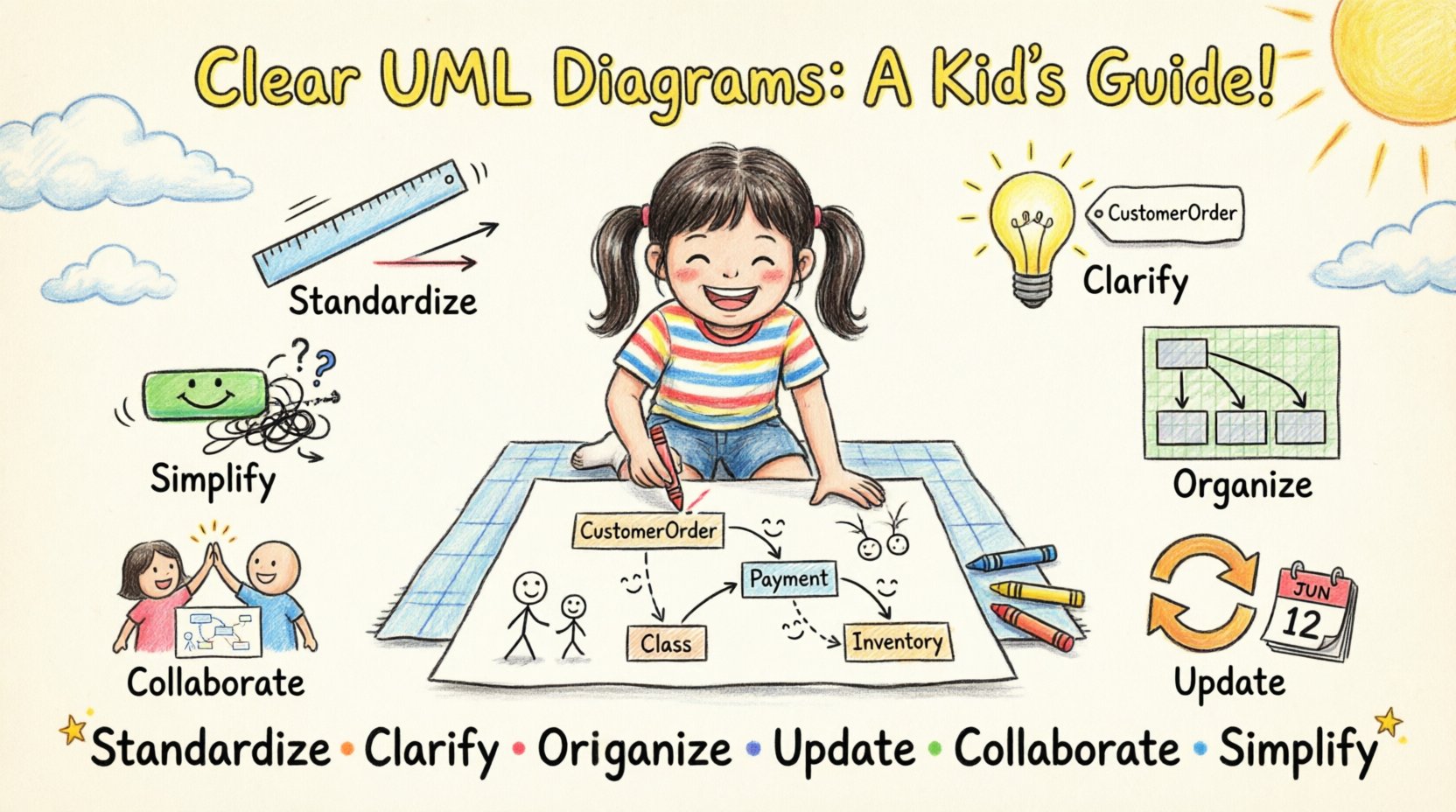
To ensure your UML diagrams remain clear and maintainable, consistently apply the following principles:
Standardize: Follow UML notation rules strictly.
Clarify: Use descriptive names for all elements.
Organize: Manage layout, spacing, and alignment.
Update: Keep diagrams in sync with the codebase.
Collaborate: Involve the team in the modeling process.
Simplify: Avoid over-engineering the visual representation.
By adhering to these practices, you create documentation that serves as a reliable resource for the entire project lifecycle. Clear diagrams reduce friction, accelerate development, and ensure that the system remains understandable long after the initial design phase is complete.