

Software engineering relies heavily on the ability to visualize complex interactions within a system. Among the various modeling techniques available, Communication Diagrams stand out for their focus on object relationships and message flows. For computer science students entering the industry, understanding the trajectory of these visual tools is essential. The landscape of system design is shifting rapidly. This guide explores the current state and future direction of communication diagrams, providing insights into how students can prepare for a career in modern software development.
Understanding the Foundation 🛠️
Before discussing future trends, it is necessary to establish what a Communication Diagram is within the context of Unified Modeling Language (UML). A Communication Diagram, sometimes referred to as a Collaboration Diagram, is a type of dynamic modeling. It depicts the interactions between objects or parts in terms of structured links. Unlike other diagrams that focus on time sequences, these emphasize the structural organization of the objects involved.
- Objects: Represented as nodes or shapes within the diagram.
- Links: Connections that show how objects relate to one another.
- Messages: Arrows indicating the flow of information or commands between objects.
Students often encounter these diagrams during the design phase of the software development lifecycle. They help teams clarify how different components of an application will talk to each other. This clarity reduces ambiguity during the coding phase. As systems become more distributed, the importance of clear interaction models increases.
Why Visual Modeling Matters 🧠
Code is not the only artifact produced during development. Documentation plays a critical role in knowledge transfer. Visual models serve as a common language between developers, architects, and stakeholders. When a team discusses a new feature, pointing to a diagram is often faster than explaining logic through code snippets.
The value of these models lies in abstraction. They allow engineers to ignore implementation details and focus on logic. This separation of concerns is a fundamental principle in engineering. For students, learning to create these diagrams builds a habit of thinking about systems holistically rather than in isolation.
- Communication: Facilitates discussions between technical and non-technical team members.
- Analysis: Helps identify potential bottlenecks or circular dependencies early.
- Maintenance: Provides a reference point for future modifications to the system.
Current Trends Shaping the Industry 🚀
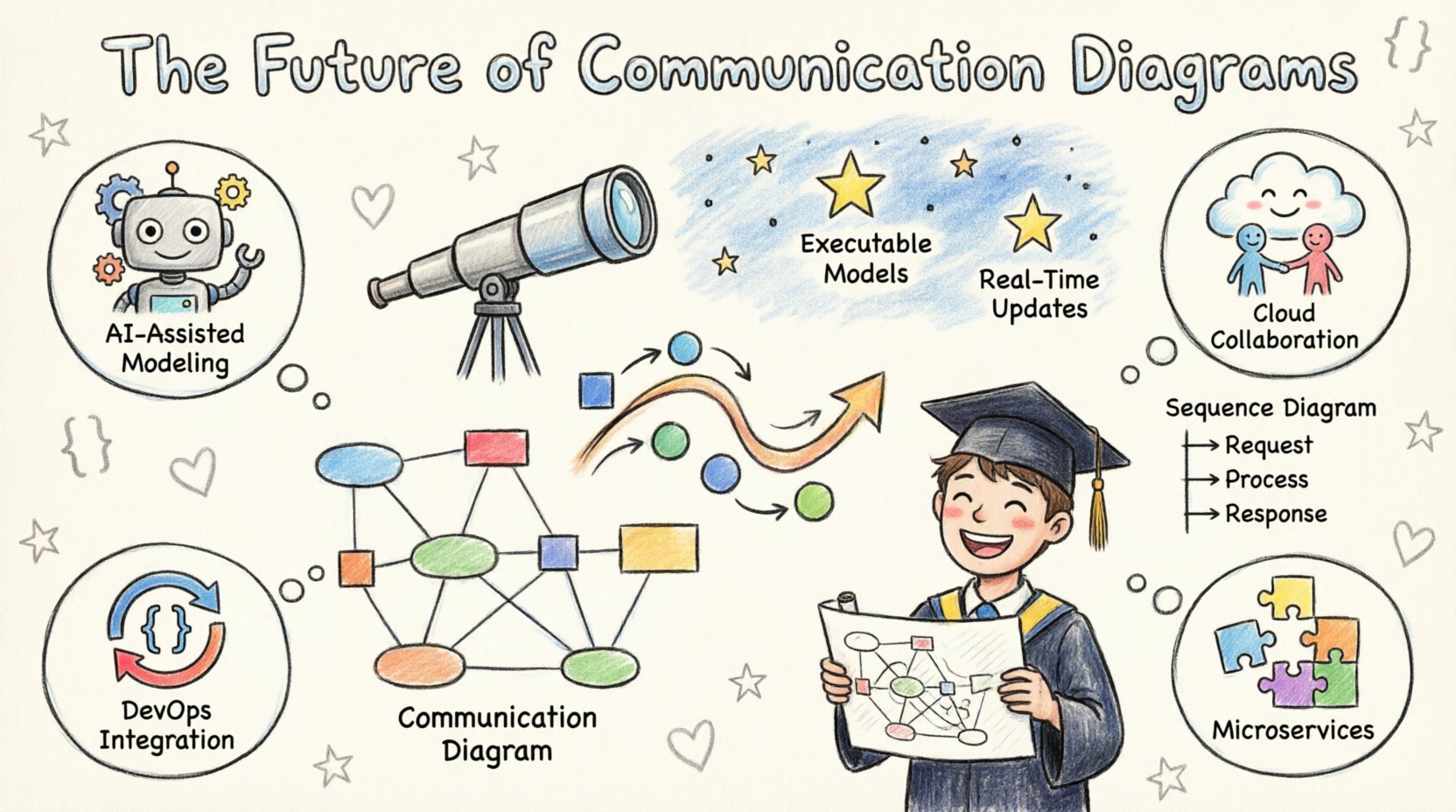
The tools and methods used to create diagrams are evolving. Several key trends are influencing how students should approach learning and applying these concepts. These shifts reflect broader changes in how software is built, deployed, and maintained.
1. AI-Assisted Modeling 🤖
Artificial Intelligence is beginning to integrate into the design phase. Algorithms can now analyze natural language requirements and suggest structural diagrams. This does not replace the engineer but augments the process. Students should understand how to guide these tools rather than relying on them blindly.
- Requirement Parsing: AI tools can extract actors and actions from text documents.
- Pattern Recognition: Systems can suggest standard interaction patterns based on context.
- Validation: Automated checks can flag inconsistent links or missing messages.
2. Cloud-Based Collaboration ☁️
Remote work has necessitated real-time collaboration on design documents. Modeling platforms are moving to the cloud to support multiple users editing a diagram simultaneously. This changes the workflow from individual design to team synthesis.
- Version Control: Changes are tracked in real-time, reducing merge conflicts.
- Accessibility: Diagrams are accessible from any device with a browser connection.
- Integration: Cloud models often link directly to project management and code repositories.
3. Integration with DevOps Pipelines 🔄
There is a growing movement to treat diagrams as code. This concept allows diagrams to be versioned, tested, and deployed alongside the application. It ensures that the documentation stays in sync with the actual implementation.
- Continuous Documentation: Diagrams update automatically as code changes.
- Quality Gates: Pipelines can fail if diagrams do not match the expected architecture.
- Automation: Scripts can generate diagrams from the codebase for documentation purposes.
4. Shift Towards Microservices 🧩
Architectures are moving away from monolithic structures toward distributed microservices. This shift impacts how interactions are modeled. The diagrams now represent network calls and API interactions rather than just local method calls.
- External Dependencies: More focus on how services communicate over a network.
- Resilience: Models must account for failure scenarios and retries.
- Latency: Visual models help identify potential performance issues in message passing.
Communication Diagrams vs. Sequence Diagrams 🆚
Students often confuse Communication Diagrams with Sequence Diagrams. Both depict interactions, but they highlight different aspects of the system. Understanding the distinction is vital for choosing the right tool for the job.
| Feature | Communication Diagram | Sequence Diagram |
|---|---|---|
| Primary Focus | Object relationships and links | Time and message ordering |
| Layout | Flexible, spatial arrangement | Vertical time axis |
| Best Use Case | Complex object structures | Specific timing logic |
| Readability | High for structural context | High for process flow |
When designing a complex system with many interconnected components, a Communication Diagram offers a clearer view of the topology. When the timing of messages is critical, such as in real-time protocols, a Sequence Diagram is often preferred.
Preparing for the Next Generation of Software 🎓
Curriculum design for computer science students must adapt to these industry shifts. The focus is moving from rote memorization of notation to understanding the underlying principles of system interaction. Here is how students can adapt their learning strategy.
- Focus on Logic: Prioritize understanding the flow of data over the aesthetic of the drawing.
- Learn the Standards: Study the UML specifications to understand what the symbols represent officially.
- Practice Abstraction: Learn to hide complexity when modeling high-level systems.
- Understand APIs: Communication diagrams often map directly to API contracts.
Technical writing is also a crucial skill. A diagram is useless if the accompanying documentation is unclear. Students should practice explaining their models to peers who are not familiar with the specific system.
Essential Skills for Modern Engineers 💻
Beyond drawing lines and boxes, engineers need a broader skill set to thrive in this environment. The ability to model interactions is just one part of a larger competency framework.
| Skill Category | Competency Description |
|---|---|
| System Thinking | Ability to view the software as a whole ecosystem. |
| API Design | Understanding how services expose and consume data. |
| Security Awareness | Modeling authentication and authorization flows. |
| Performance Modeling | Estimating load and message throughput. |
These skills ensure that the diagrams created are not just pretty pictures but functional specifications. They guide the implementation and help in debugging issues that arise in production.
Looking Ahead 🔭
The evolution of communication diagrams continues. As systems become more autonomous and intelligent, the diagrams must represent decision points and machine learning interactions. The static nature of traditional modeling may give way to dynamic, executable specifications.
- Executable Models: Diagrams that can be run to simulate behavior.
- Real-Time Updates: Models that reflect the live state of the system.
- Standardization: Industry-wide agreement on how to represent modern patterns.
For students, the key takeaway is adaptability. The tools will change, but the need to understand how components interact will remain constant. Investing time in mastering these concepts now provides a strong foundation for future career growth.
Practical Application in Education 📚
How should this knowledge be applied in an academic setting? Instructors and learners can benefit from specific strategies that bridge theory and practice.
- Case Studies: Analyze diagrams from open-source projects to see real-world application.
- Peer Review: Have students critique each other’s diagrams for clarity and accuracy.
- Iterative Design: Encourage drawing, coding, and redrawing to see the relationship between the two.
- Tool Agnosticism: Focus on concepts rather than specific software features.
By treating diagrams as a living part of the development process, students gain a deeper appreciation for the value of documentation. This mindset shift is often what separates junior engineers from senior contributors.
Conclusion on Career Preparation 🏁
The future of communication diagrams is bright and integrated. It is not just about drawing boxes anymore; it is about defining the contracts and flows that power modern applications. CS students who grasp these trends early will find themselves better equipped to handle the complexities of enterprise systems. The journey from student to professional requires a commitment to continuous learning and adaptation.
Keep these trends in mind as you study. Whether you are designing a simple web application or a distributed cloud platform, the ability to model communication effectively is a superpower. It clarifies thoughts, aligns teams, and prevents costly errors. Embrace the evolution of these tools, and you will be ready for whatever the industry throws your way.