
In the rapidly evolving landscape of software engineering and business process analysis, the choice of modeling tool is often a critical first step in any project lifecycle. Visual Paradigm, a market leader in enterprise modeling solutions, offers a robust Community Edition that serves as a gateway for students, individual contributors, and early-stage innovators. This edition is not merely a “free version” but a curated toolkit designed to facilitate the transition from abstract thought to concrete system architecture.
This tutorial explores the architectural capabilities of the Visual Paradigm Community Edition, breaking down who it serves, the specific modeling standards it supports, and the strategic limitations users must navigate to maintain professional workflow integrity.
Target Audience: Who is the Community Edition Built For?
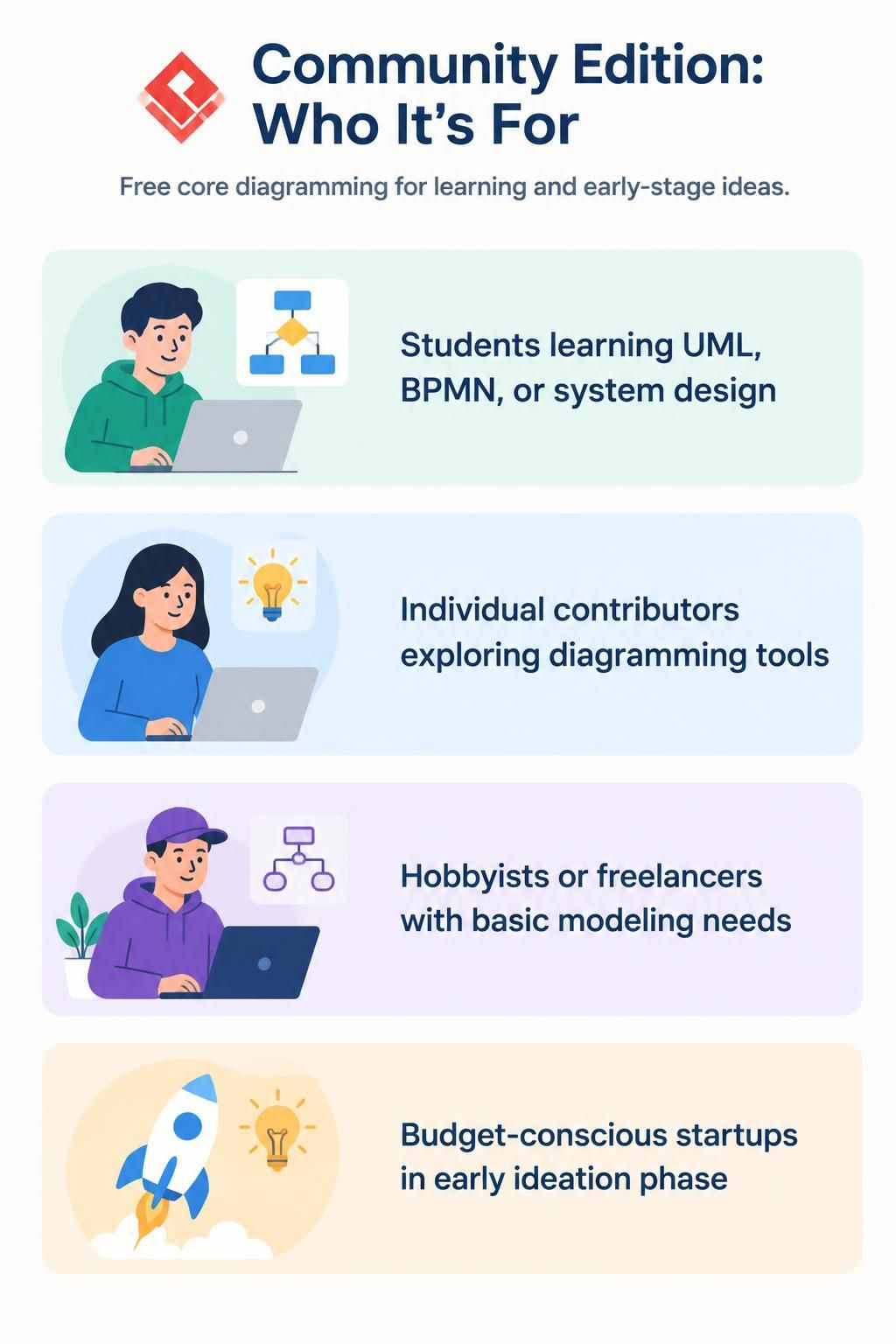
The Community Edition is engineered with a specific user persona in mind. It prioritizes accessibility and educational value over enterprise-grade collaboration features. Based on the platform’s core design philosophy, it is ideally suited for four distinct groups:
- Students and Academics: This is the primary demographic. The edition provides the necessary scaffolding for students to learn industry-standard notations like UML (Unified Modeling Language) and BPMN (Business Process Model and Notation) without the barrier of licensing costs.
- Individual Contributors: For system architects or analysts working alone, this tool offers a comprehensive environment to explore diagramming logic, test hypotheses, and document personal projects.
- Hobbyists and Freelancers: Those with basic modeling needs who require a professional interface to deliver simple diagrams to clients can utilize the core features effectively.
- Early-Stage Startups: Budget-conscious ventures in the ideation phase can use this tool to map out their initial system designs and business flows before committing to expensive enterprise licenses.
Core Modeling Capabilities: What You Can Build
The Community Edition is not a stripped-down toy; it includes the “Core Diagramming” suite essential for standard software and systems engineering. Users gain access to a rich set of modeling standards:
1. UML and SysML
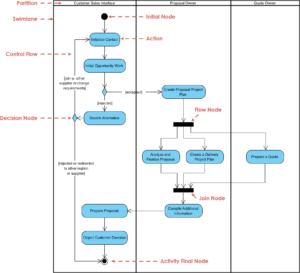
UML remains the gold standard for object-oriented system design. The Community Edition supports standard notation for Class Diagrams, Use Case Diagrams, Sequence Diagrams, and Activity Diagrams. Additionally, it offers SysML (Systems Modeling Language) support, albeit at a basic level. This allows users to model hardware and software systems, though complex parametric diagrams may be restricted.
2. Flowcharts and ERD
For data modeling, the ERD (Entity Relationship Diagram) feature allows users to define database structures, entities, and relationships using standard notation. Similarly, the inclusion of Flowcharts enables the visualization of algorithmic logic and process flows, which is vital for documenting system behavior.
3. Basic Organization and Mind Mapping
The edition provides partial support for Organization Charts and Mind Mapping. While these are useful for brainstorming sessions and high-level structural planning, they are often simplified compared to the full enterprise versions, focusing on hierarchy and node-link relationships rather than complex attribute management.
Strategic Limitations: What is NOT Included
Understanding what is excluded from the Community Edition is just as important as knowing what is included. These limitations define the boundary between a personal tool and a professional collaborative environment.
Advanced Notation Gaps
While UML and basic SysML are present, several advanced process modeling standards are absent. Specifically, the edition does not support DFD (Data Flow Diagram) variants, SoaML (Service-Oriented Architecture Modeling Language), or CMMN (Case Management Model and Notation). This means that for organizations heavily reliant on data-centric process modeling or case management, the Community Edition will not suffice.
Collaboration and Cloud Constraints
One of the most significant limitations is the lack of robust team collaboration. The Community Edition does not offer a cloud repository or concurrent editing capabilities. You cannot work on the same diagram simultaneously with a colleague in real-time. While there is partial revision history, it does not replace the version control systems (like Git or SVN) or team workspaces found in the Enterprise editions.
Missing Engineering and AI Features
The tool is strictly a modeling and design interface. It lacks:
- Code Engineering: No automatic forward or reverse engineering of code (e.g., generating Java/C# skeletons from UML).
- Database Engineering: No direct generation of SQL scripts from ERDs.
- UX Design Tools: It is not a wireframing or UI prototyping tool.
- Documentation Generation: The “Doc. Composer” for auto-generating professional requirement specifications is unavailable.
- AI Features: There are no AI-powered assistants to help generate diagrams or suggest optimizations.
Workflow and Output Considerations
When using the Community Edition, users must be mindful of the output constraints. Limited export options are a common restriction, meaning you may not be able to export to all modern formats or high-resolution vectors without watermarks. Additionally, the absence of integrations with tools like Jira or Confluence means that diagrams cannot be automatically synced to project management boards.
The “Verdict” for this edition is clear: it is ideal for learning, personal projects, and simple diagrams. However, it is not suitable for professional team environments or complex production workflows that require strict version control, code generation, or team collaboration.
Conclusion
The Visual Paradigm Community Edition serves as a powerful entry point into the world of system modeling. By providing access to core UML, SysML, and ERD features, it empowers students and freelancers to build professional-grade diagrams. However, users must recognize the boundaries—specifically the lack of collaboration, code engineering, and advanced notation support—to ensure their projects remain feasible within the tool’s constraints.