
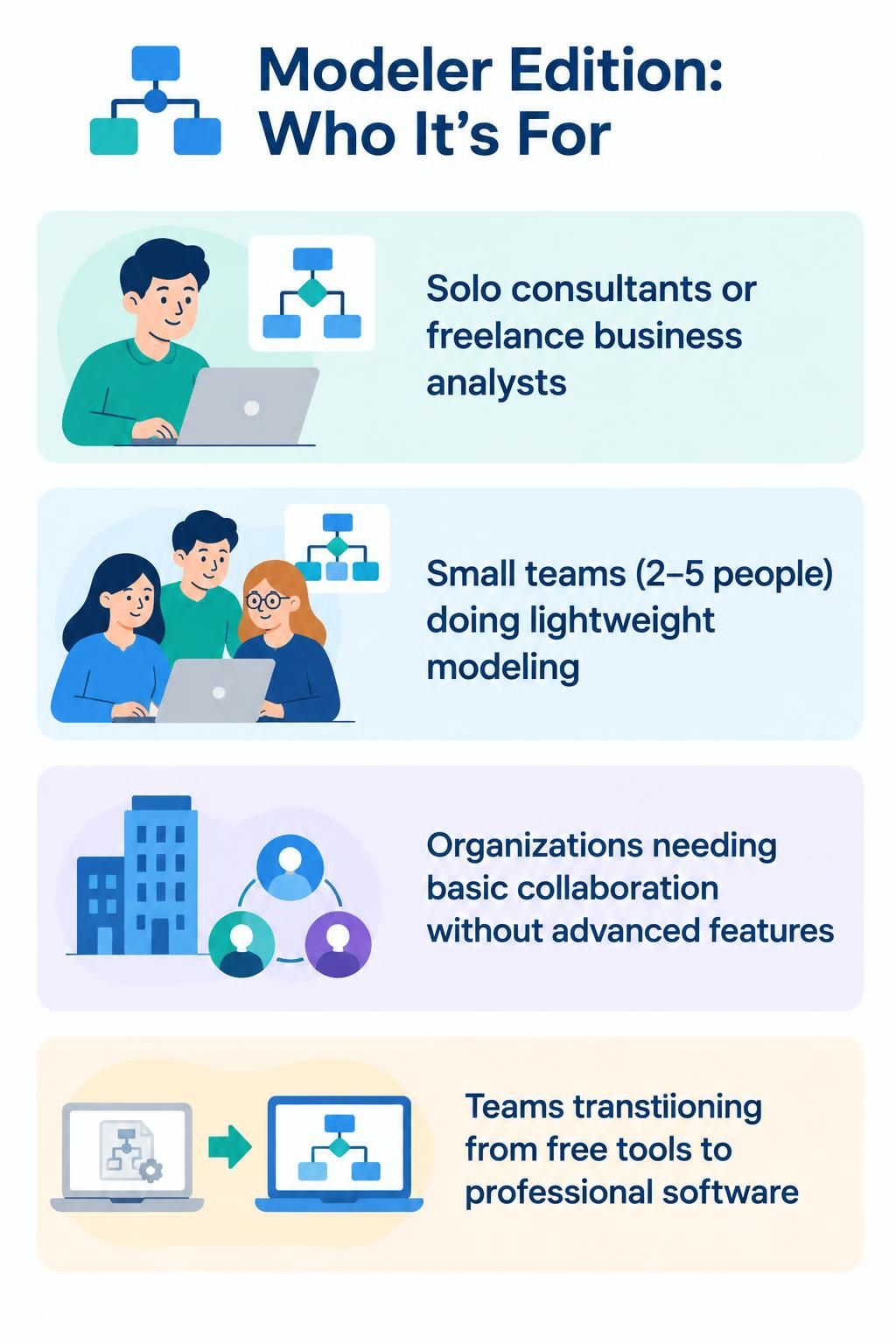
In the complex ecosystem of enterprise architecture and software design, finding the right balance between functionality and cost is a constant challenge. The Visual Paradigm Modeler Edition occupies a unique and vital niche in this landscape. It is specifically engineered for the “sweet spot” of the industry: solo consultants, freelance business analysts, and small teams of 2 to 5 people who require professional-grade modeling capabilities without the bloat of enterprise-level project management suites.
This tutorial explores the architectural philosophy of the Modeler Edition. We will dissect the specific modeling standards it supports, the collaborative features that enable lightweight teamwork, and the technical bridges it provides between design and implementation.
The Strategic Positioning of the Modeler Edition
Unlike the Enterprise or Standard editions, the Modeler Edition is not designed to manage the entire lifecycle of a massive software project from inception to deployment. Instead, it focuses on the core modeling artifacts that drive system design. It serves as the ideal transition point for organizations or individuals moving away from free, open-source tools into a robust, commercial environment.
The architecture of this edition is built around three primary pillars:
- Standard Compliance: Deep support for industry-standard languages like UML, BPMN, and SysML.
- Collaborative Efficiency: Basic team features that allow concurrent work without the overhead of complex governance.
- Engineering Integration: A focus on “Code Engineering” and Database Engineering to bridge the gap between abstract diagrams and concrete codebases.
Decoding the Modeling Standards
The power of the Modeler Edition lies in its comprehensive support for a wide variety of diagramming notations. For a consultant or analyst, this means you are not limited to a single view of the system. You can switch between different lenses to analyze the same data.
1. The Structural and Behavioral Core (UML & SysML)
At the heart of software modeling is the Unified Modeling Language (UML). The Modeler Edition supports full UML capabilities, including:
- Class Diagrams: Essential for defining the static structure of your software.
- Sequence Diagrams: Critical for visualizing the flow of messages between objects over time.
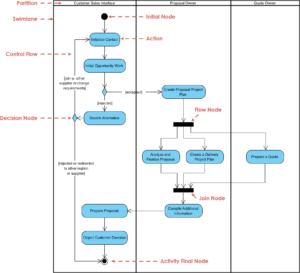
- Activity Diagrams: Used for modeling complex logic and workflows.
Furthermore, for those venturing into system engineering or embedded systems, the edition includes SysML (Systems Modeling Language). This is a specialized extension of UML designed to model complex, multi-disciplinary systems.
2. Process and Business Logic (BPMN & DFD)
Business Analysts rely heavily on visualizing processes. The Modeler Edition offers robust support for BPMN (Business Process Model and Notation), allowing you to create professional process maps that are executable and understandable by stakeholders.
For those who prefer the Data Flow approach, the edition supports DFD (Data Flow Diagram) variants. This is crucial because different methodologies prefer different notations:
- Yourdon/DeMarco: A traditional approach often used in structured analysis.
- Yourdon/Coad: A variant that integrates well with object-oriented analysis.
- Gane & Sarson: A distinct style often preferred in academic and specific corporate environments.
Engineering the Reality: From Diagram to Code
One of the most significant differentiators of the Modeler Edition is its focus on Code Engineering. In many low-fidelity tools, diagrams are merely documentation. In Visual Paradigm, they are active blueprints.
The edition supports Round-Trip Engineering. This architectural feature allows you to:
- Generate Code: Automatically generate code skeletons (e.g., Java, C#, C++) directly from your UML Class diagrams.
- Reverse Engineer: Import existing codebases into the tool to create a visual model of the system architecture.
This creates a synchronized environment where the diagram and the code remain consistent. If you change a class attribute in the diagram, the code generator updates the source file. Conversely, if you modify the code, the model can be updated to reflect reality.
Database Engineering and ORM
For backend architects, the integration with Hibernate ORM is a standout feature. The tool allows for seamless mapping between ERD (Entity Relationship Diagrams) and database schemas. It supports:
- DDL Generation: Creating the SQL scripts needed to build your database.
- Reversal: Importing an existing database schema to visualize it as an ERD.
Collaboration for Small Teams
The Modeler Edition is explicitly designed for teams of 2 to 5 people. It strips away the heavy administrative controls of enterprise suites but retains the essential collaborative tools needed to work together effectively.
Concurrent Modeling and Revision History
While the architecture supports basic collaboration, it is important to understand the distinction between “concurrent modeling” in this edition versus the Enterprise edition. In the Modeler Edition, the focus is on sharing and reviewing rather than complex locking mechanisms.
Key collaborative features include:
- Revision History: Keep track of changes made by team members to ensure accountability and the ability to rollback.
- Task Management: Assign modeling tasks directly within the project environment.
- Atlassian Integration: The tool integrates with Jira and Confluence, allowing you to link diagrams directly to user stories or project requirements.
Advanced Documentation
A major pain point for consultants is the time spent writing documentation. The Modeler Edition features the Doc. Composer and Project Publisher. These tools allow you to automatically generate professional PDF or HTML reports from your project models. You can define custom templates, and the tool will extract all your diagrams, glossaries, and notes into a polished document.
What to Expect (and What to Avoid)
To maximize the value of the Modeler Edition, it is crucial to understand its architectural boundaries. It is a “lightweight” professional tool, meaning it excludes specific enterprise frameworks to maintain performance and usability.
Key Limitations:
- No Advanced Project Management: It does not include Gantt charts, PERT, or WBS tools. You will need to rely on external tools like Jira or Excel for scheduling.
- No Advanced Analysis: Features like “On-Demand Model ETL” or high-fidelity prototyping are reserved for higher-tier editions.
- Specific Notation Exclusions: It does not support CMMN (Case Management) or advanced Enterprise Architecture frameworks like TOGAF or ArchiMate.
Conclusion
The Visual Paradigm Modeler Edition is the definitive tool for the “professional individual” or the “small agile team.” It provides the rigorous standards required for UML, BPMN, and SysML modeling while offering the essential engineering bridges to code and databases. By focusing on the core modeling artifacts and stripping away the bloat of enterprise governance, it offers the perfect balance of power and efficiency for consultants and small business analysts.