Activity diagrams serve as a cornerstone in visual modeling, offering a dynamic view of system behavior. While basic flows illustrate sequential steps, real-world systems operate in complex, asynchronous environments. Understanding how to represent events, signals, and concurrency is essential for …
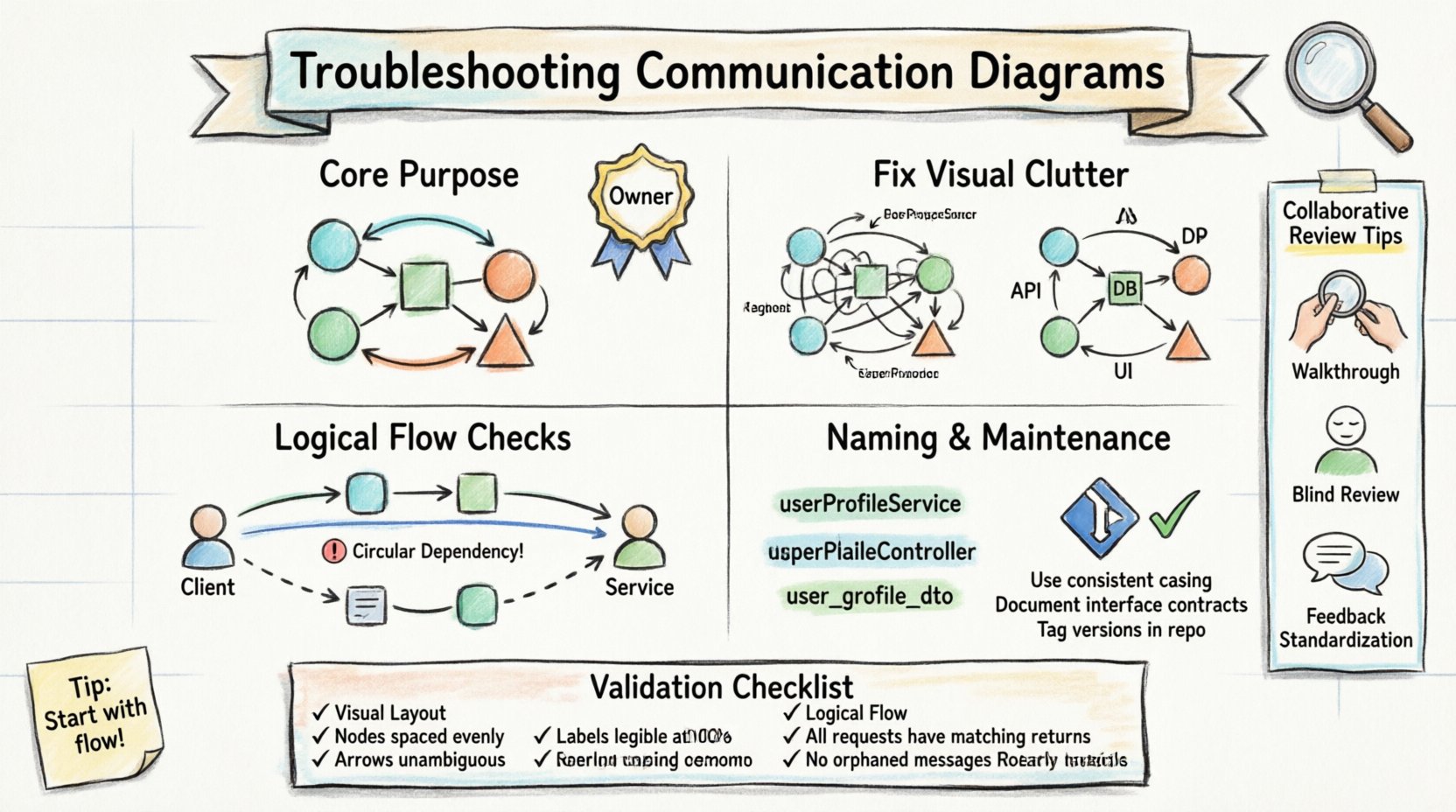
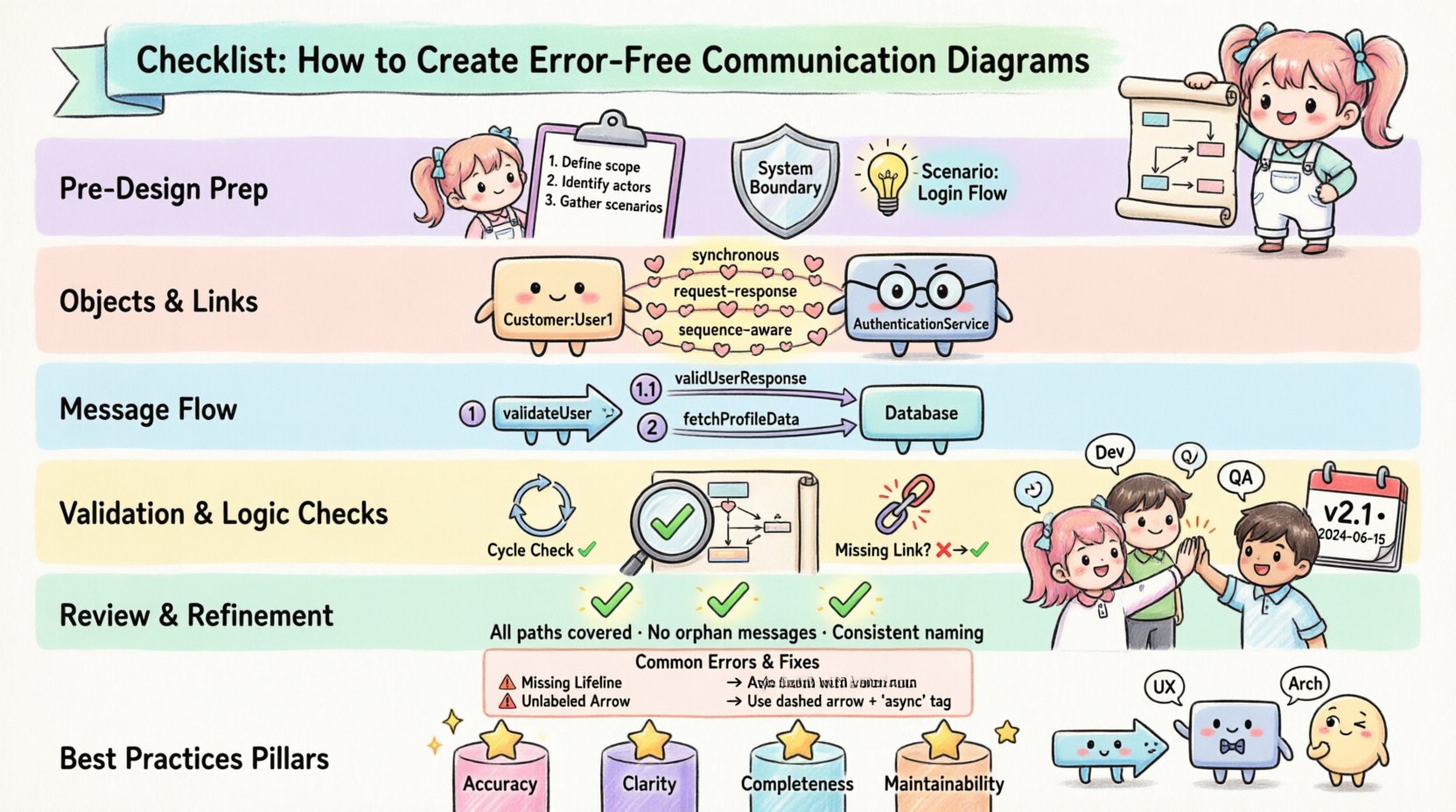
Software architecture relies heavily on visual representation to convey complex interactions between system components. Among these, the communication diagram serves as a critical tool for mapping how objects interact to fulfill specific behaviors. However, when these diagrams become cluttered, ambiguous, …
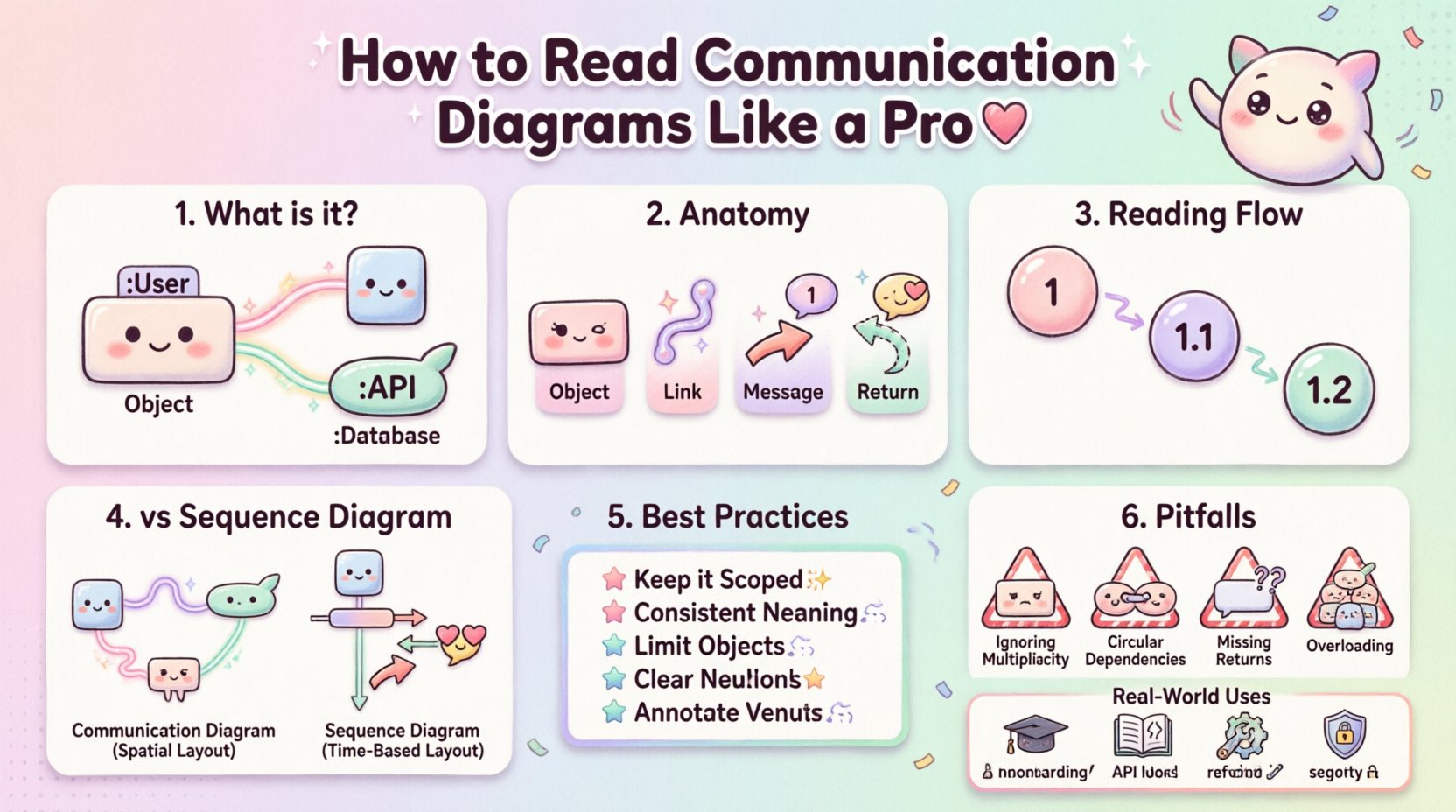
Software architecture relies heavily on visual representations to convey complex interactions between system components. Among the various types of diagrams available, the Communication Diagram stands out as a powerful tool for understanding object interactions. Unlike flowcharts that focus on process …
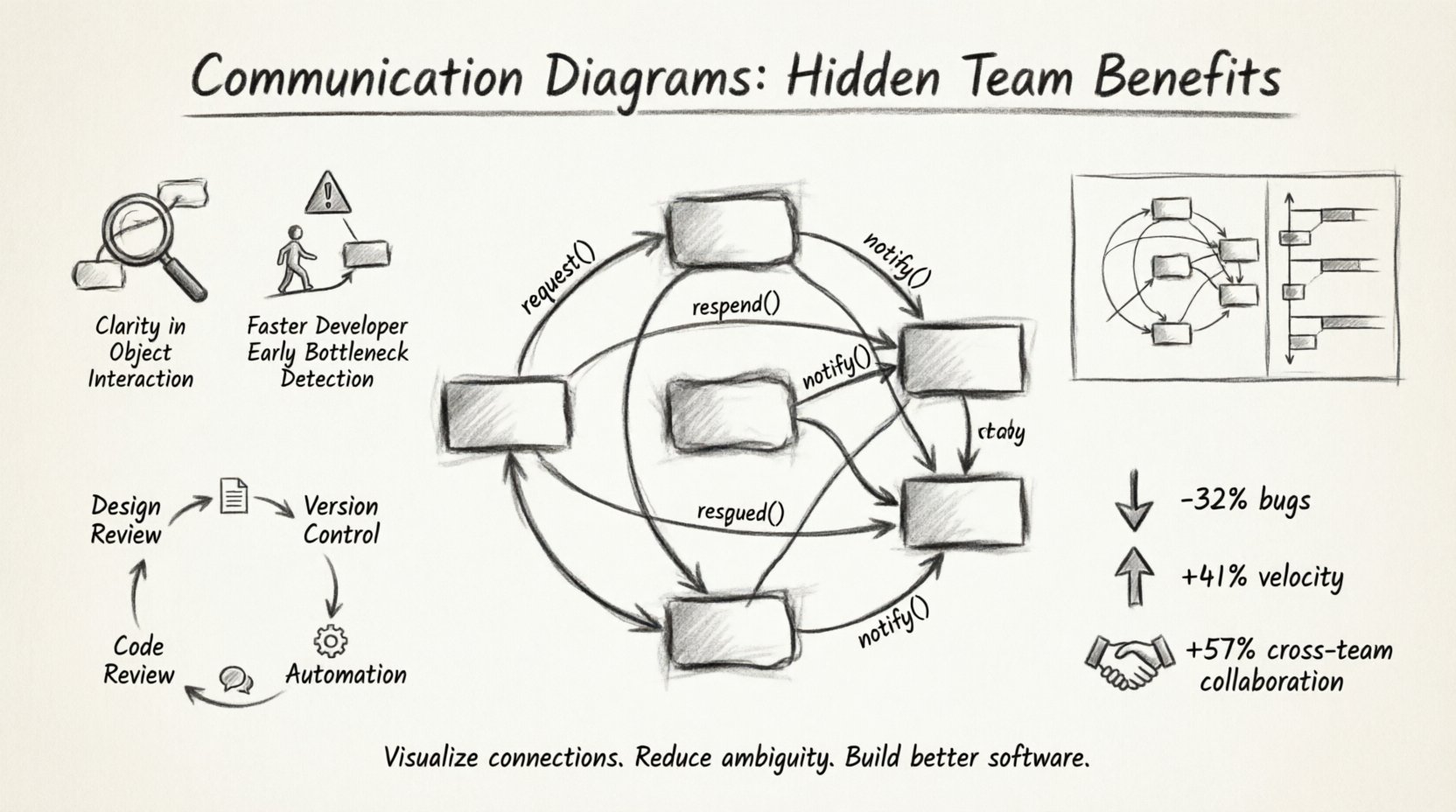
In the complex ecosystem of modern software engineering, information often gets lost in translation between requirements, code, and design. Developers frequently rely on text-based specifications, which can lead to misinterpretation of complex system behaviors. While text has its place, visual …
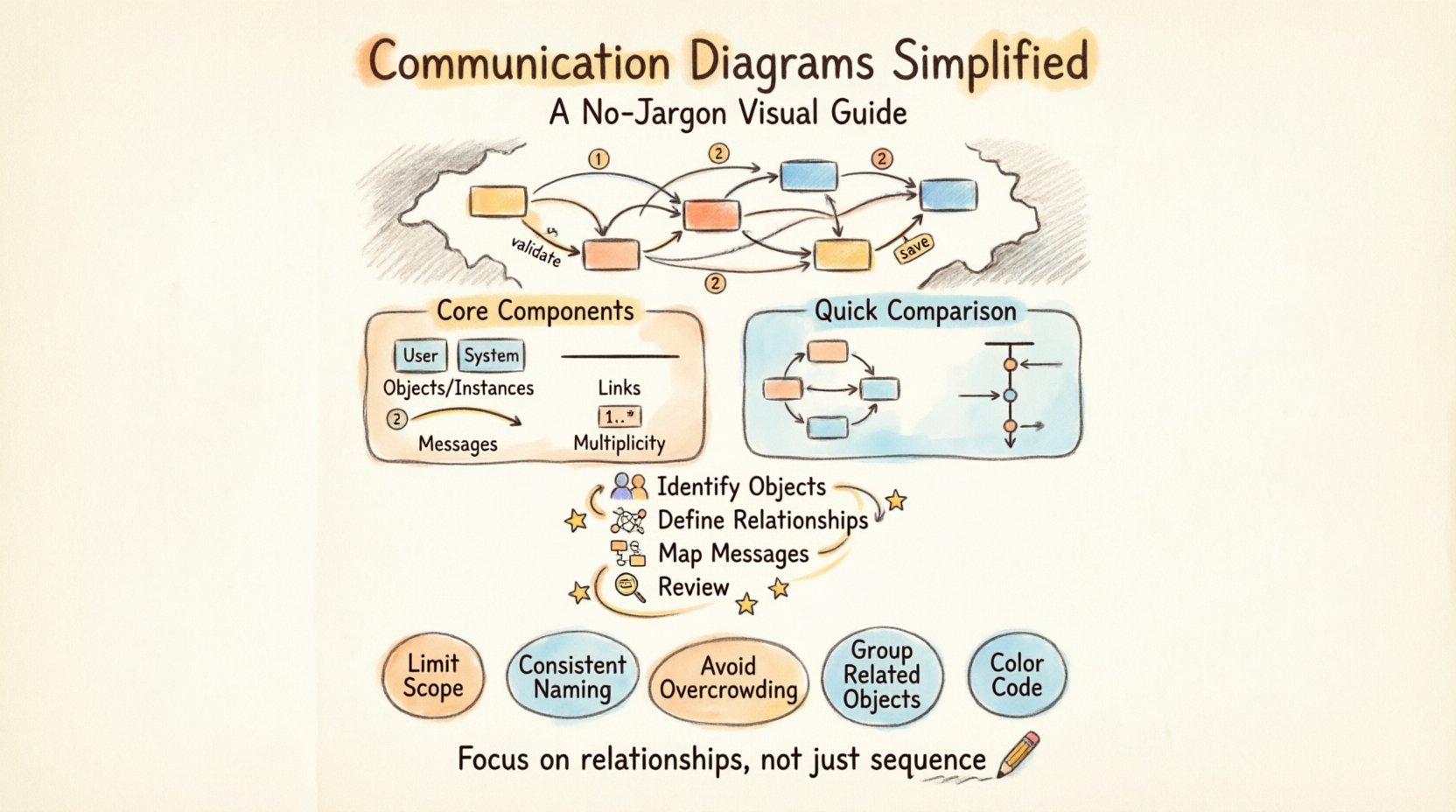
Understanding how different parts of a system interact is fundamental to building robust software. One of the most effective ways to visualize these interactions is through a communication diagram. This guide breaks down the concept without the heavy jargon often …
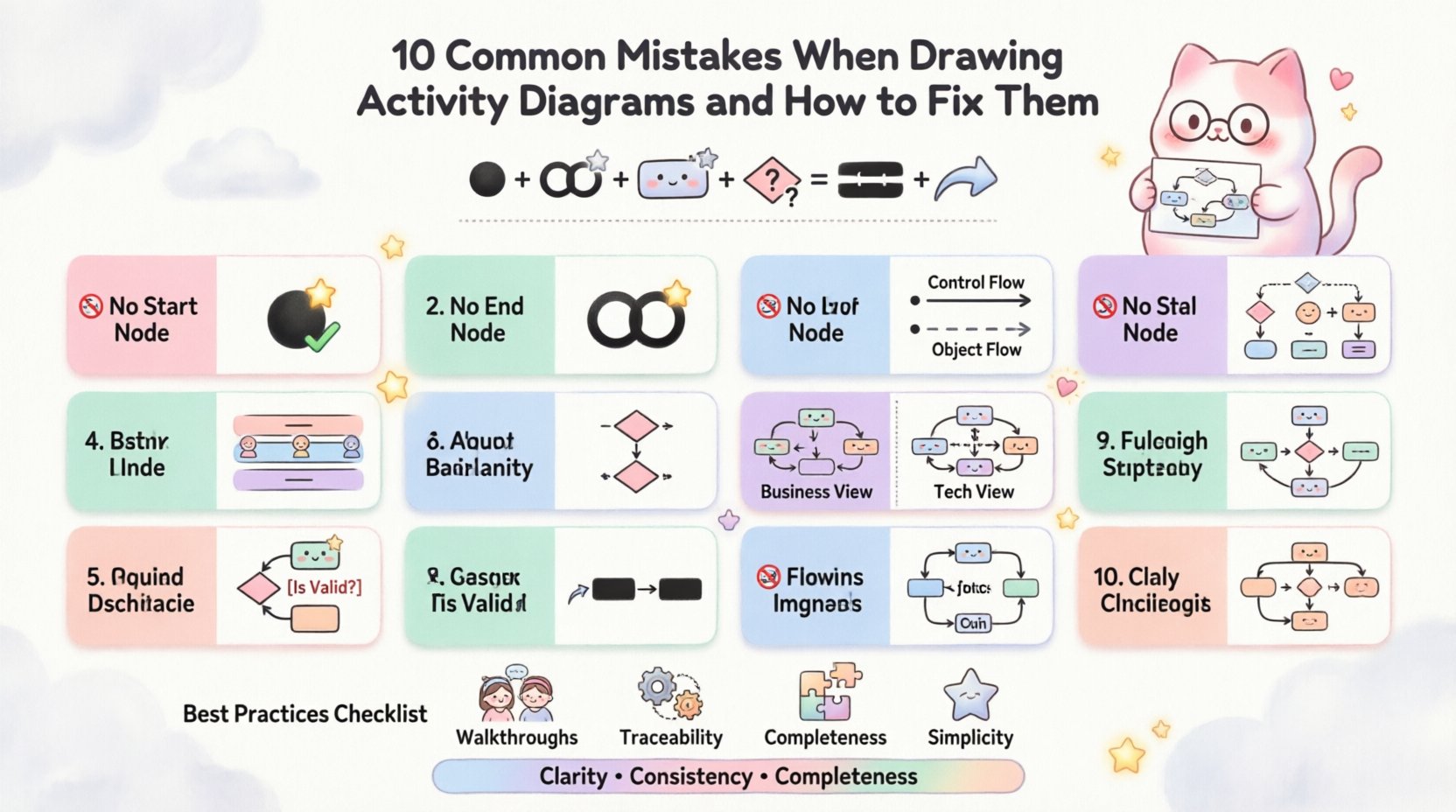
Activity diagrams are a fundamental component of Unified Modeling Language (UML) used to visualize the flow of control within a system. They represent the dynamic aspects of a system, showing how actions occur from start to finish. However, creating accurate …
System architecture relies heavily on clear documentation. When teams discuss how software components interact, ambiguity can lead to bugs, delays, and misaligned expectations. A communication diagram serves as a vital tool in this process. It visualizes how objects interact within …
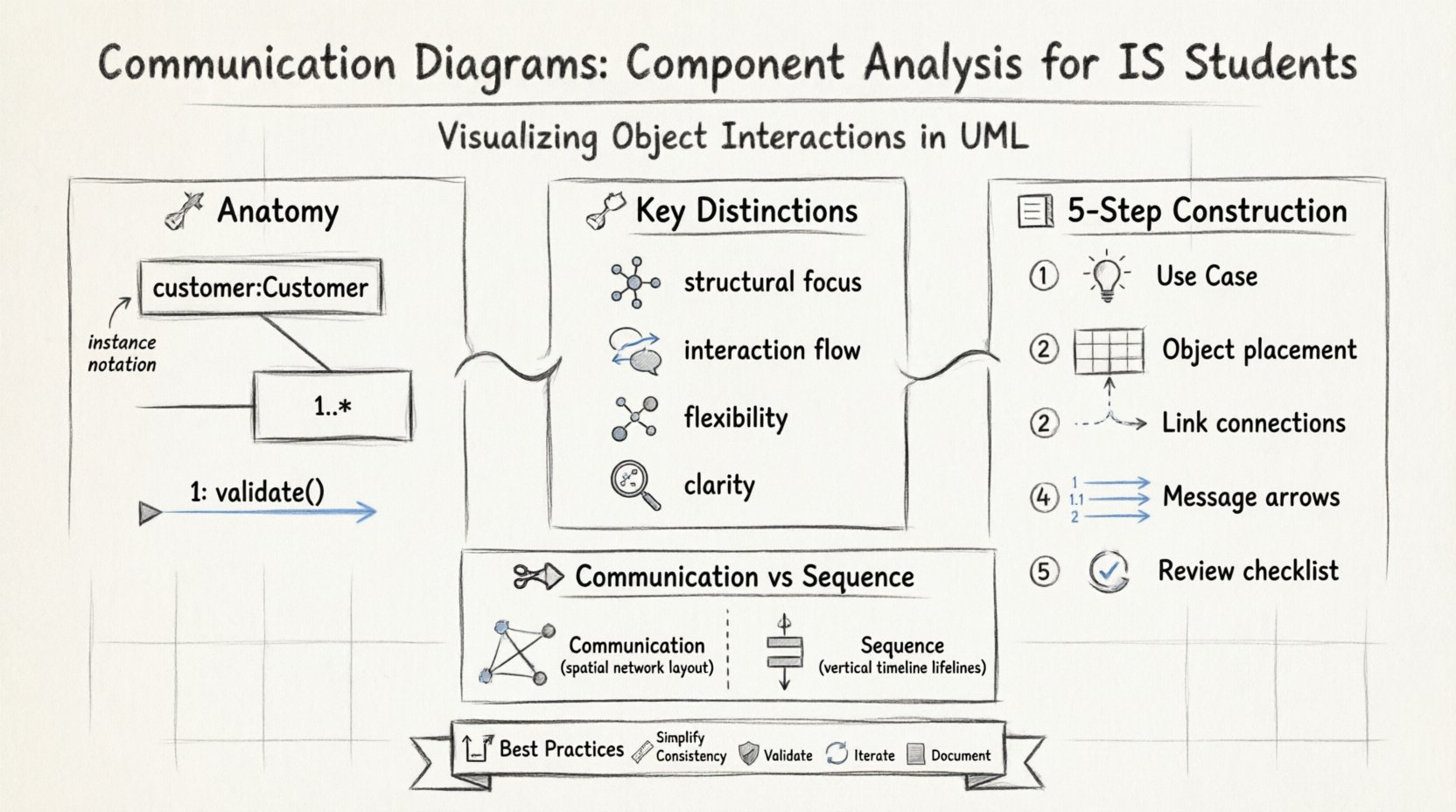
Information Systems (IS) students frequently encounter the challenge of translating abstract requirements into concrete structural models. Among the various Unified Modeling Language (UML) artifacts, the communication diagram stands out as a critical tool for visualizing object interactions. Unlike static structure …
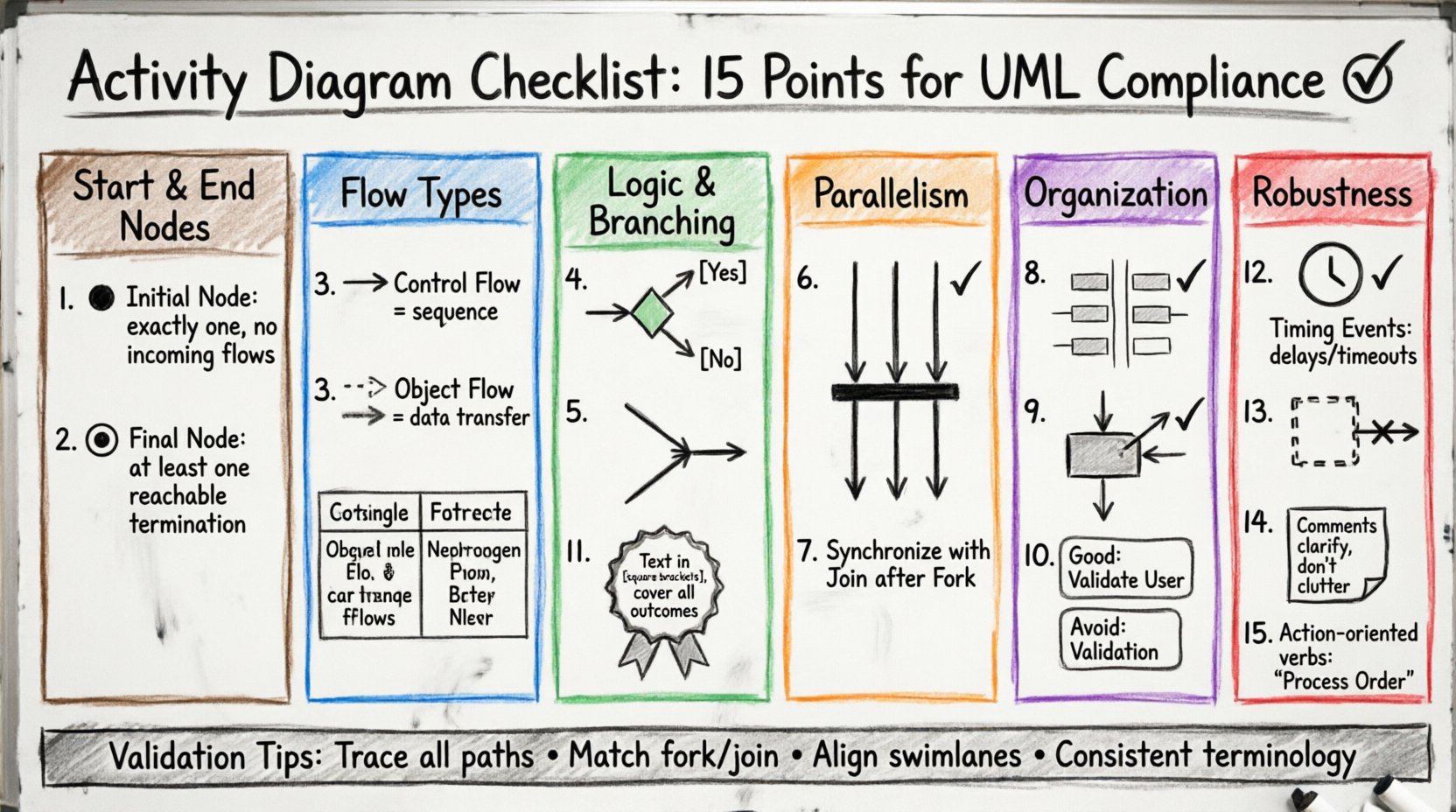
Activity diagrams are a cornerstone of system modeling and software engineering. They provide a visual representation of the dynamic aspects of a system, illustrating the flow of control and data from one activity to another. When creating these diagrams, adherence …
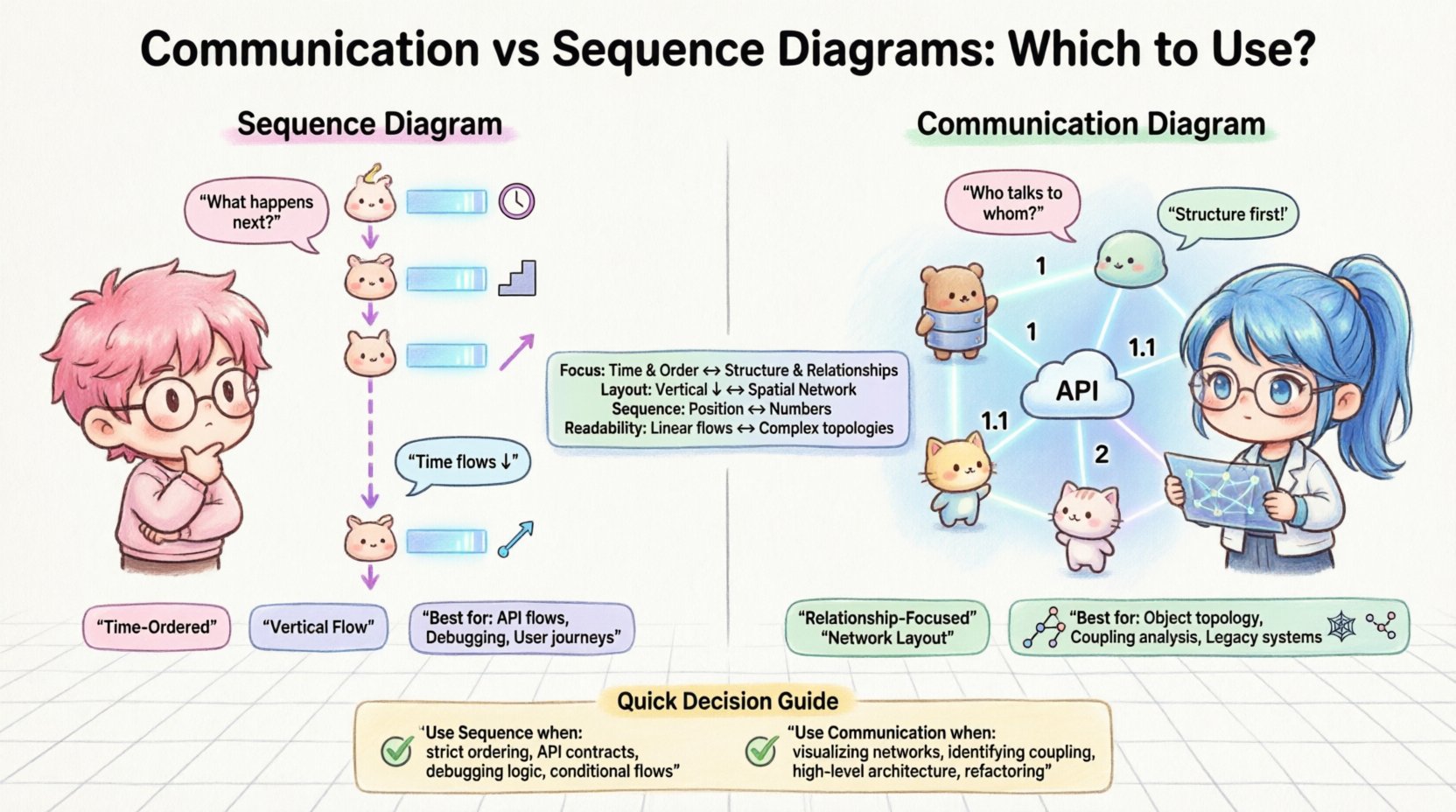
In the landscape of software architecture, clarity is currency. When designing complex systems, the choice of visualization tool determines how effectively a team understands the flow of logic and data. Two of the most prominent artifacts in the Unified Modeling …