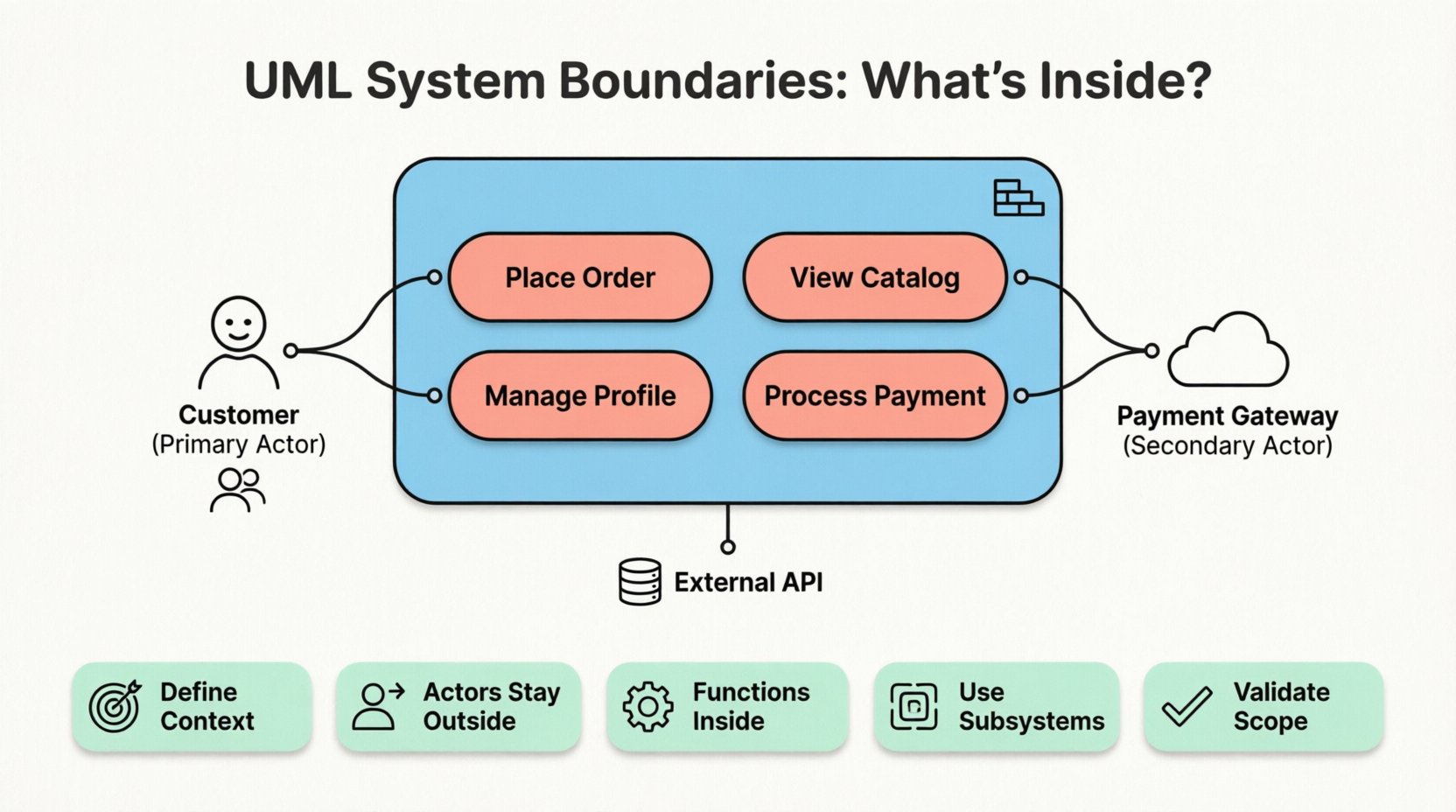
Creating a robust software architecture begins long before the first line of code is written. It starts with clarity. Specifically, it starts with defining the scope of the system you are building. In the world of Unified Modeling Language (UML), …
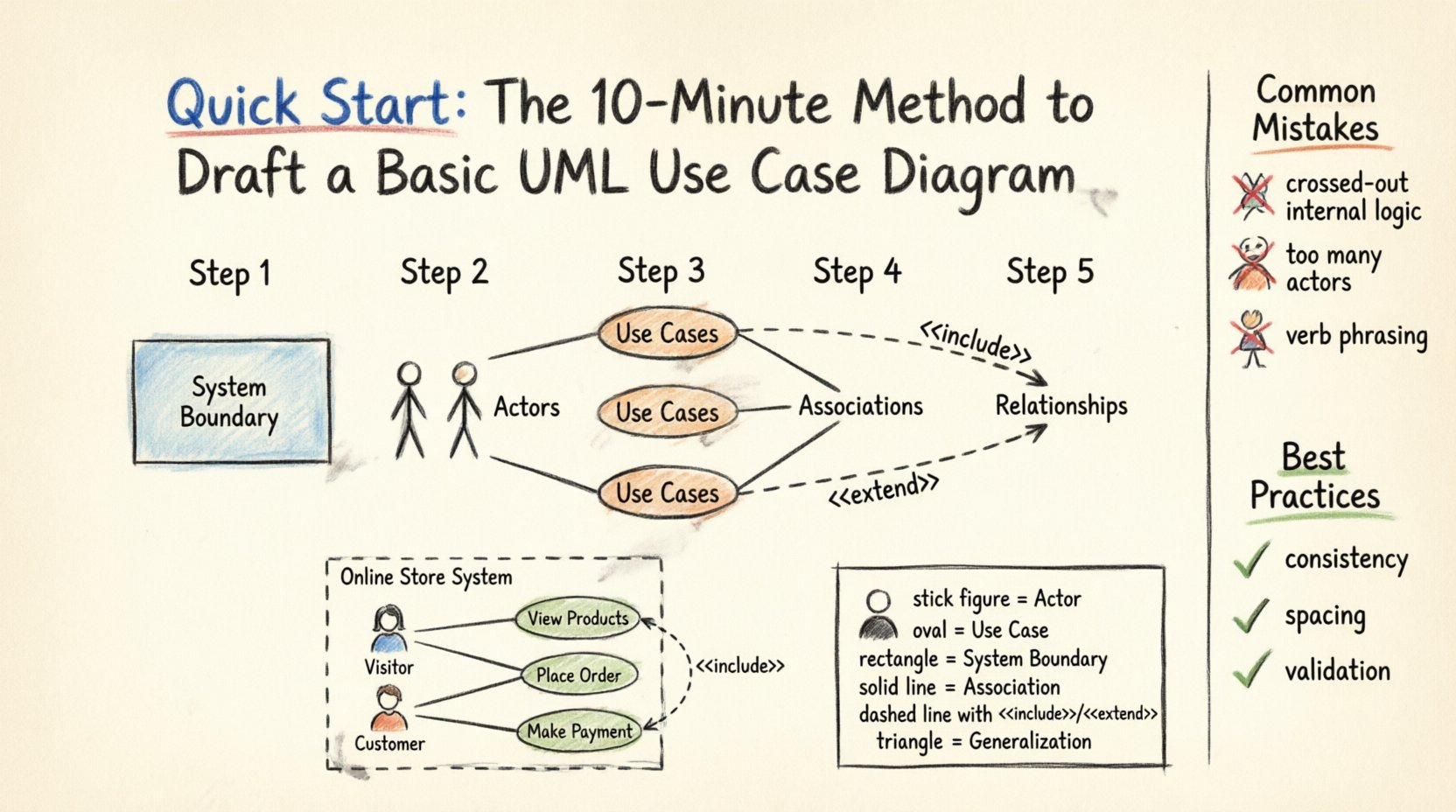
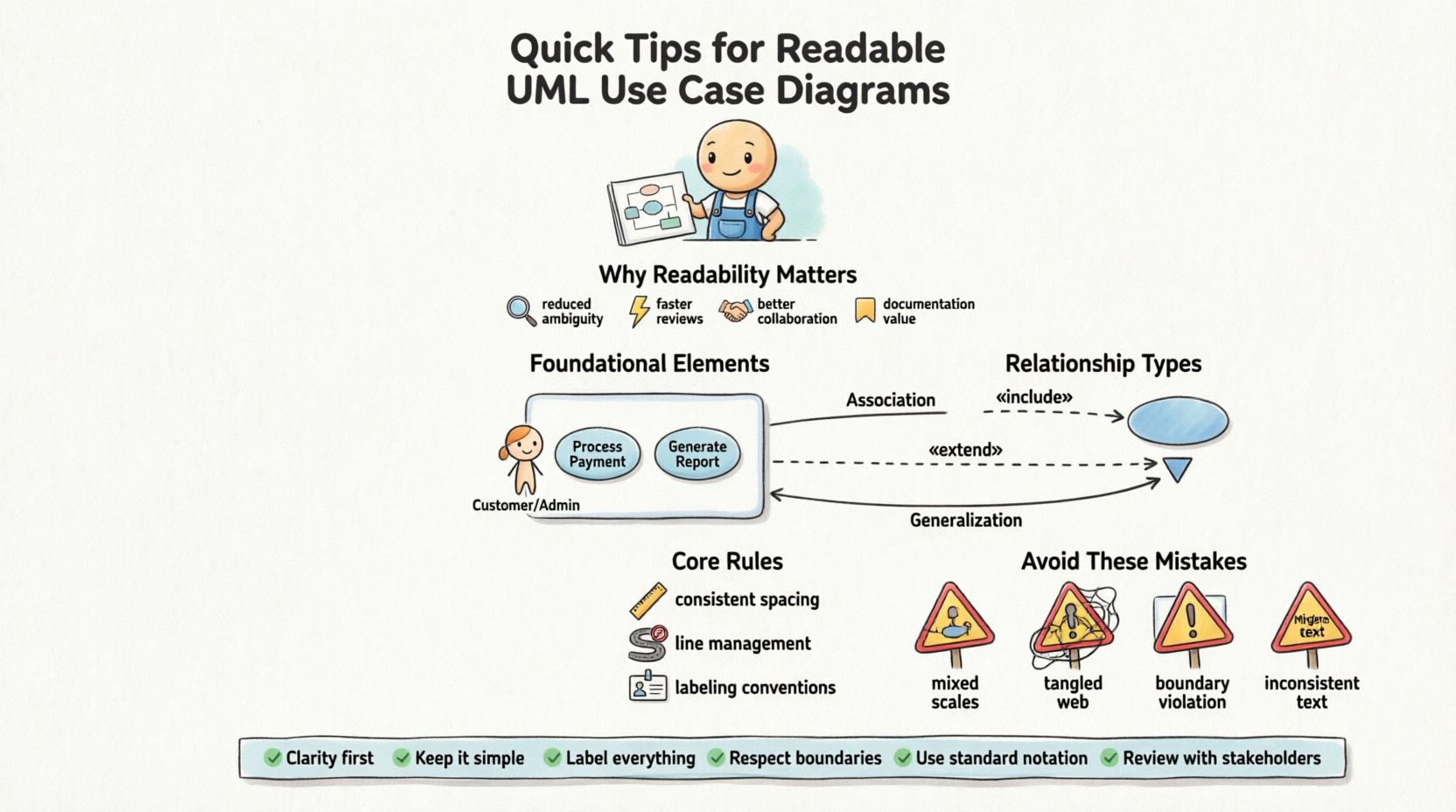
Creating a clear visual representation of system functionality is essential for software development. A UML Use Case Diagram provides a high-level view of how users interact with a system. This guide outlines a streamlined approach to drafting these diagrams without …
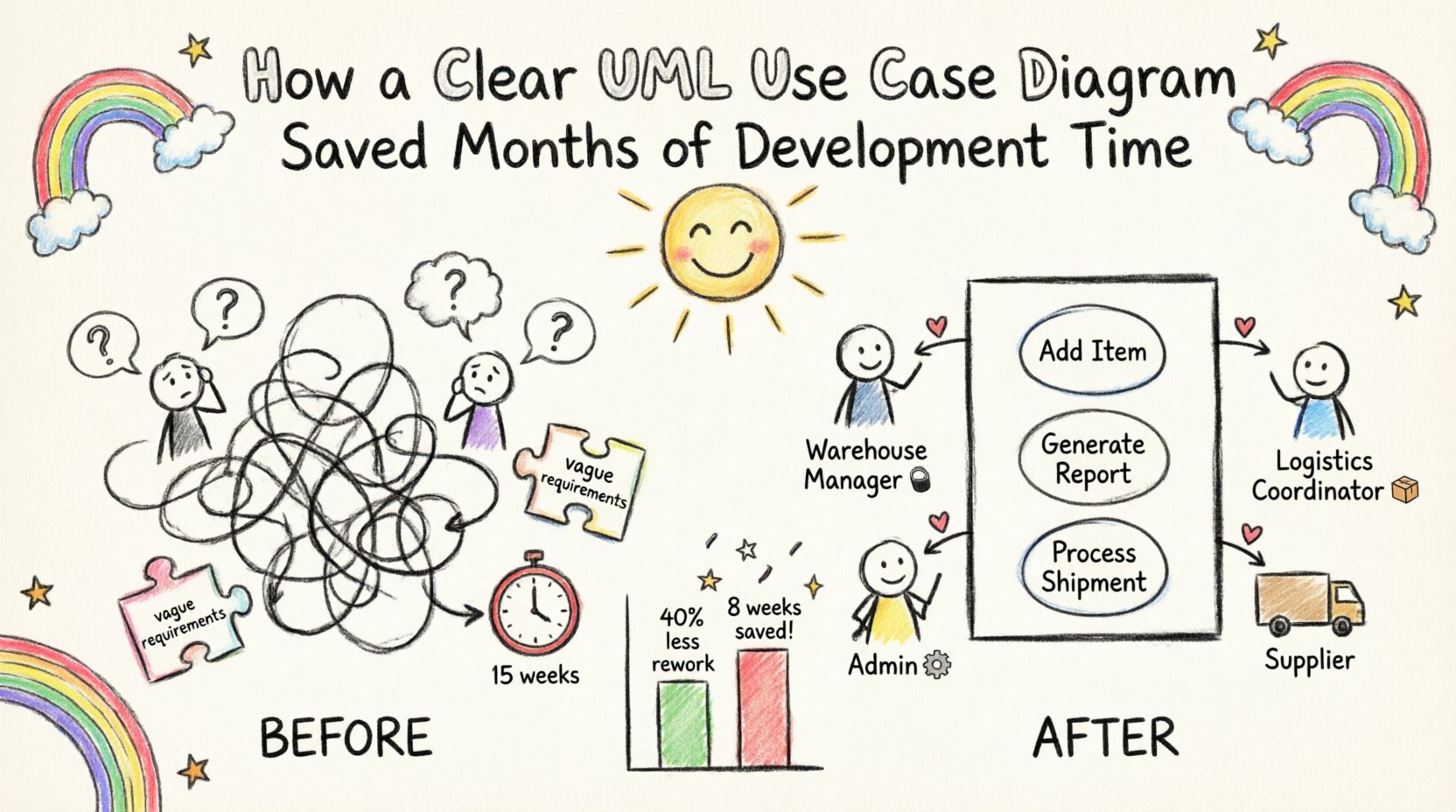
In the complex landscape of software engineering, ambiguity is the single biggest enemy of efficiency. When requirements are vague, development teams spend weeks refactoring code that does not match the original vision. This case study examines a specific project where …
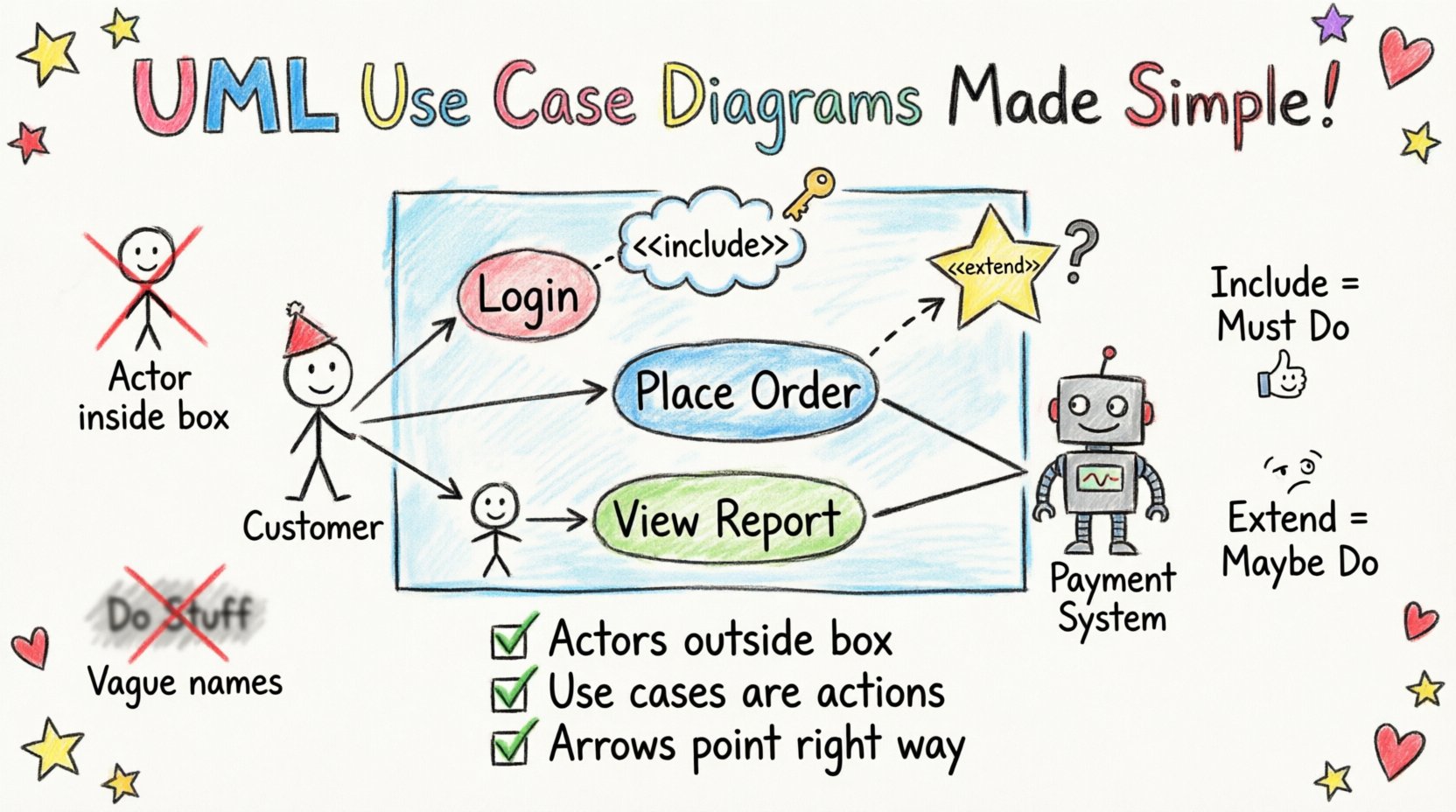
Creating a system model is a fundamental step in software design and business analysis. Among the Unified Modeling Language (UML) diagrams, the Use Case Diagram stands out for its ability to visualize interactions between users and systems. It serves as …
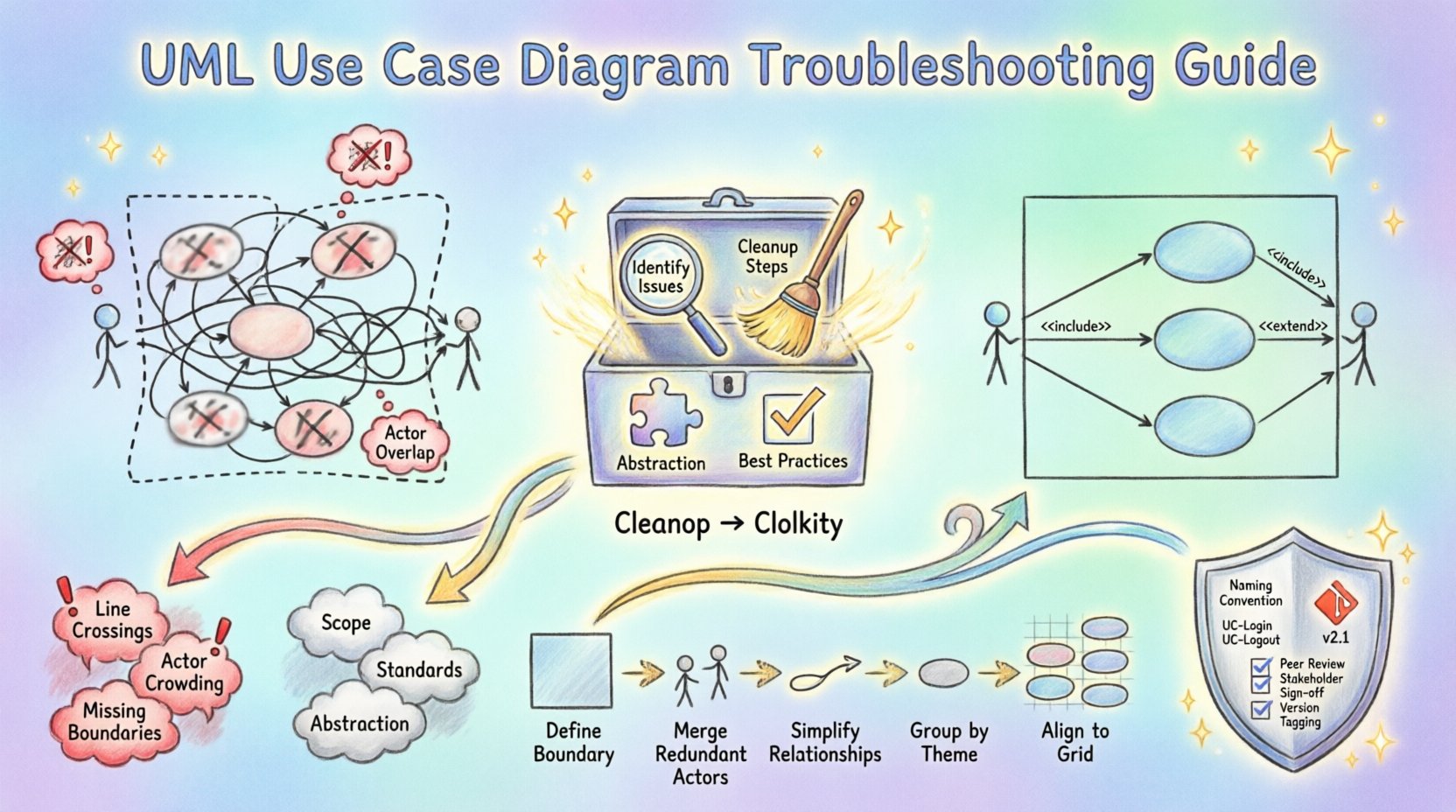
Software architecture relies heavily on visual communication. Among the various modeling tools available, the UML Use Case Diagram stands out as a fundamental instrument for capturing functional requirements. However, as projects grow in complexity, these diagrams often suffer from visual …
Creating a clear visual representation of system functionality is a critical skill for any software architect or business analyst. A UML Use Case Diagram serves as a bridge between technical implementation and business needs. However, when these diagrams become cluttered …
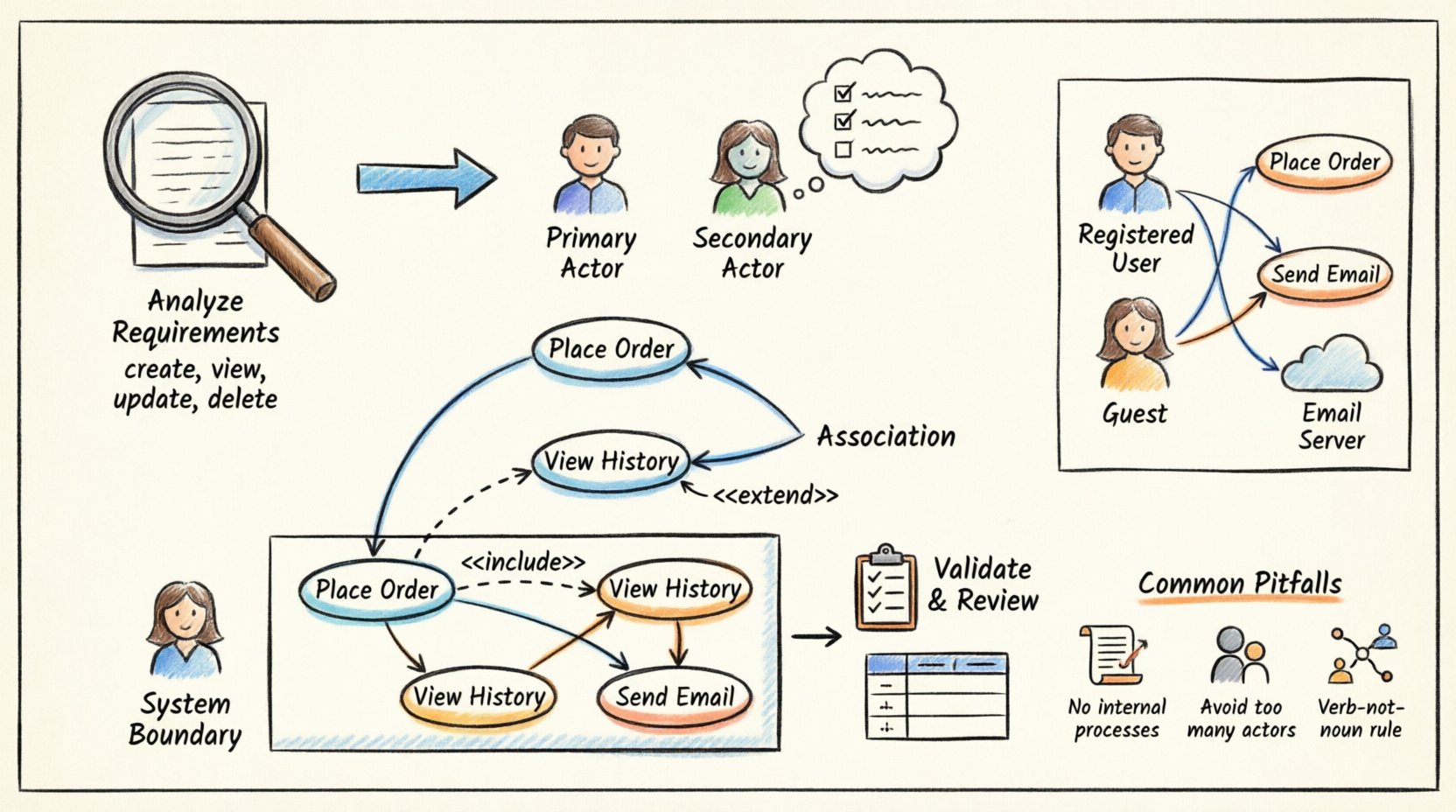
Creating a clear visual representation of system behavior is a critical skill in software engineering. One of the most effective tools for this is the UML Use Case Diagram. However, translating text-based user requirements into these diagrams can be challenging. …
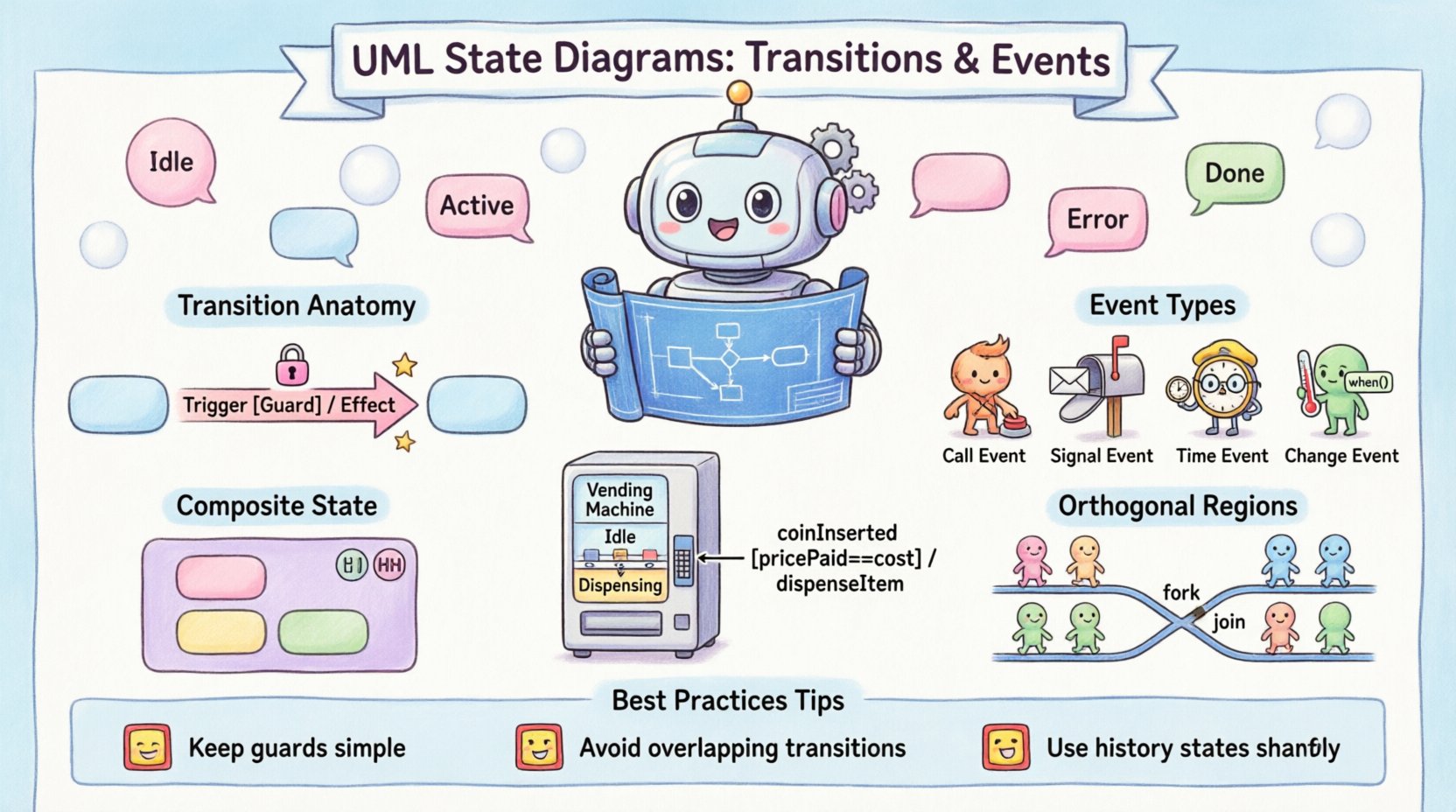
State Machine Diagrams, often referred to as State Charts, are a critical component of the Unified Modeling Language (UML). They provide a visual representation of the dynamic behavior of a system or object. Unlike static structure diagrams, state diagrams focus …
In the early stages of software development, logic often feels linear. You write a script, it runs, and it stops. But real-world applications are rarely linear. They exist in various conditions, react to external inputs, and persist through complex interactions. …
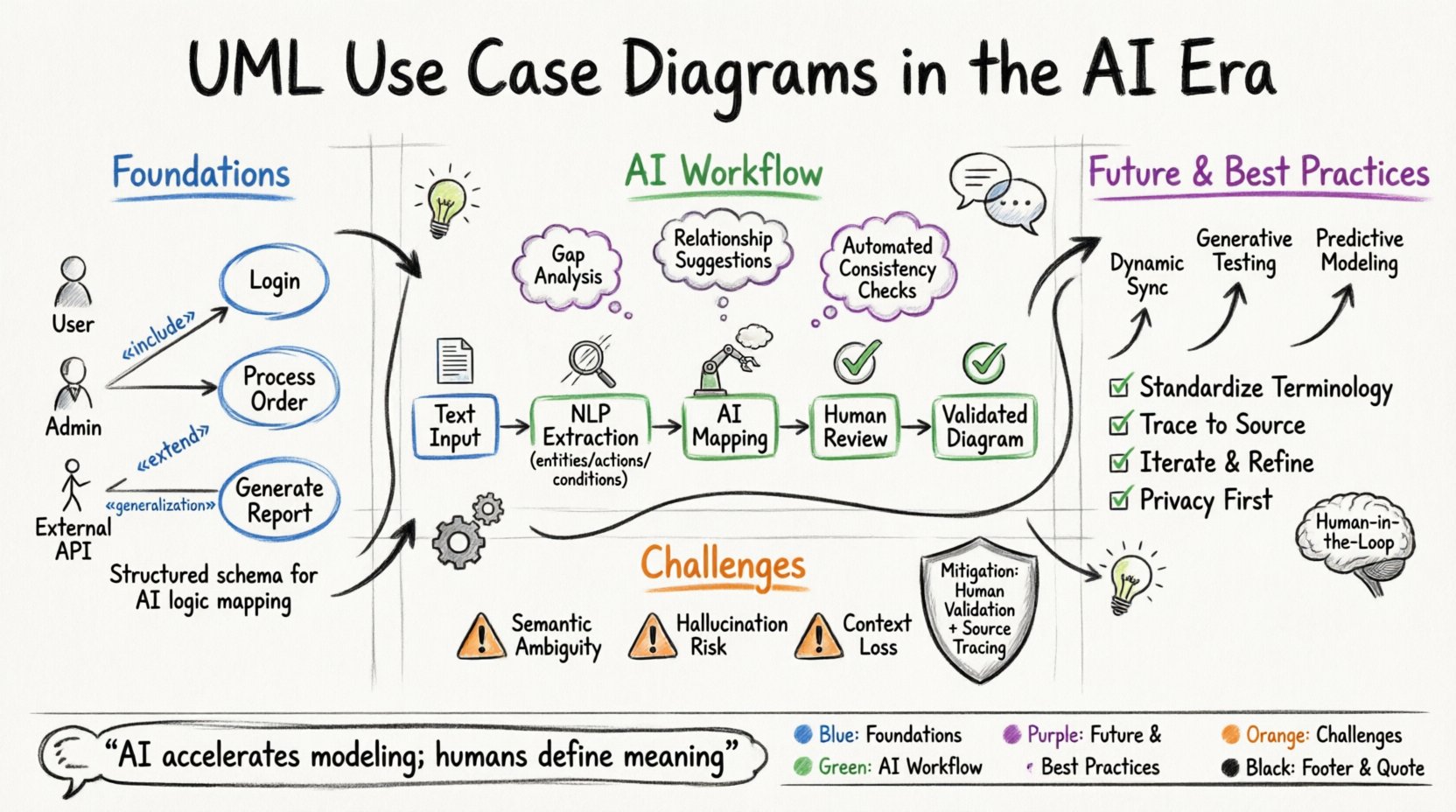
Requirements engineering stands at a critical inflection point. For decades, the discipline has relied on manual elicitation, documentation, and static modeling techniques to bridge the gap between stakeholder intent and system behavior. Among these techniques, the Unified Modeling Language (UML) …